On this page
An audio visual maintenance checklist gives technicians and equipment owners a simple way to review the key parts of an AV setup. Complete Pixel Solutions works with professional live event equipment across LED screens, moving lights, pro audio and supporting infrastructure, where regular inspection and testing help keep equipment ready for use.
15 essential checks for effective audio visual maintenance
1. Look for signs of physical damage
Check screens, speakers, lighting equipment, processors and other hardware for cracks, dents, loose covers or damaged connections. Any sign of physical damage needs to be identified before the equipment is used.
2. Check power cables
Look for frayed wires, loose connectors, broken insulation and signs of overheating. Unsafe cables need to be replaced before the system is used.
3. Check the power supply
Verify that every device starts properly and stays stable while running. Unexpected crashes or power outages may indicate an existing problem that needs further investigation.
4. Check signal cables
Check HDMI, SDI, network, DMX and other cables used in the system for loose connections or damage. Damaged or loose cables can cause intermittent issues that are hard to detect during an event.
5. Test audio equipment
Check microphones, mixers, amplifiers and speakers for good sound quality. Listen for distortion, crackling, dropouts or unwanted noise.
6. Test LED screens and displays
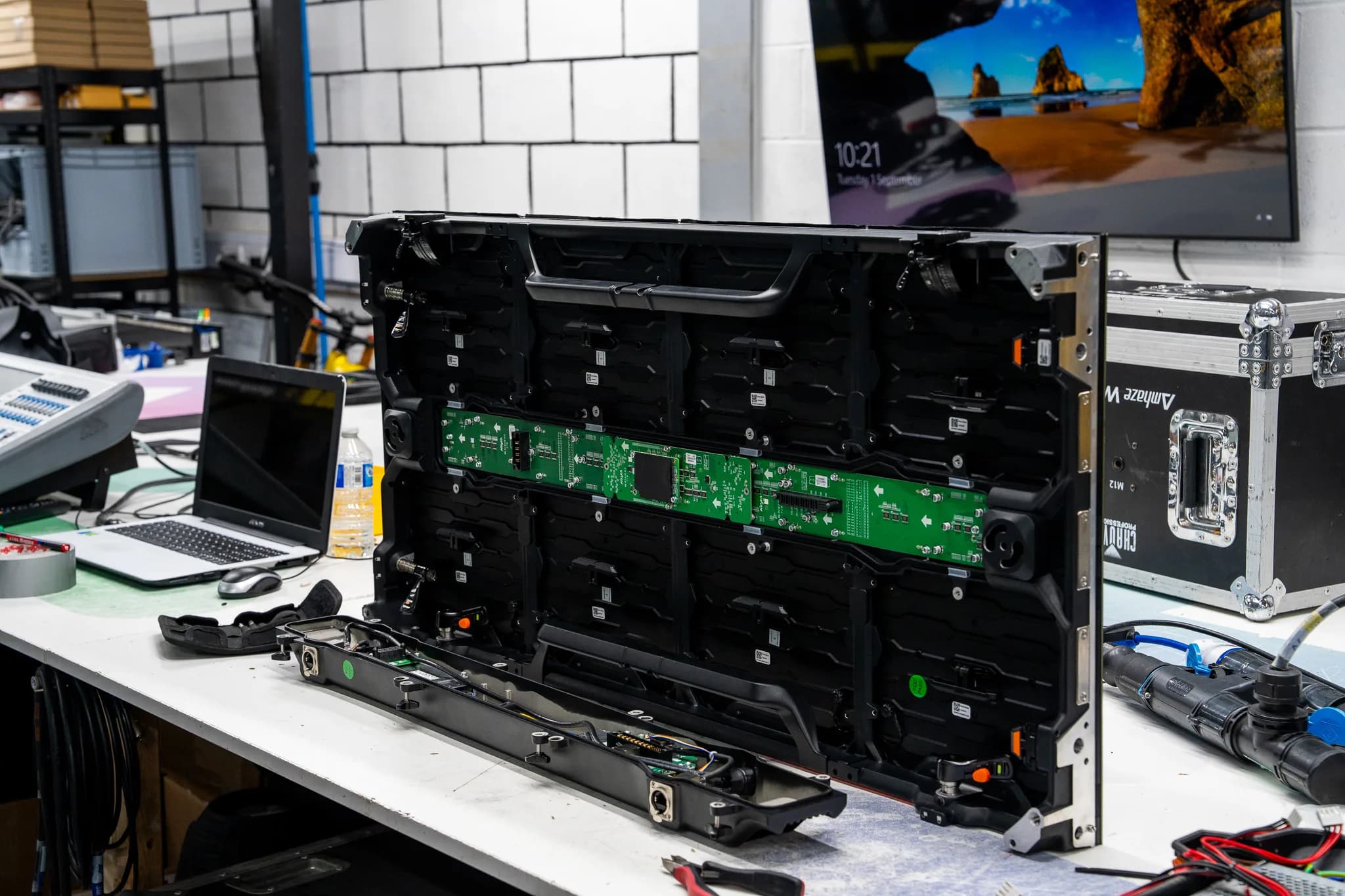
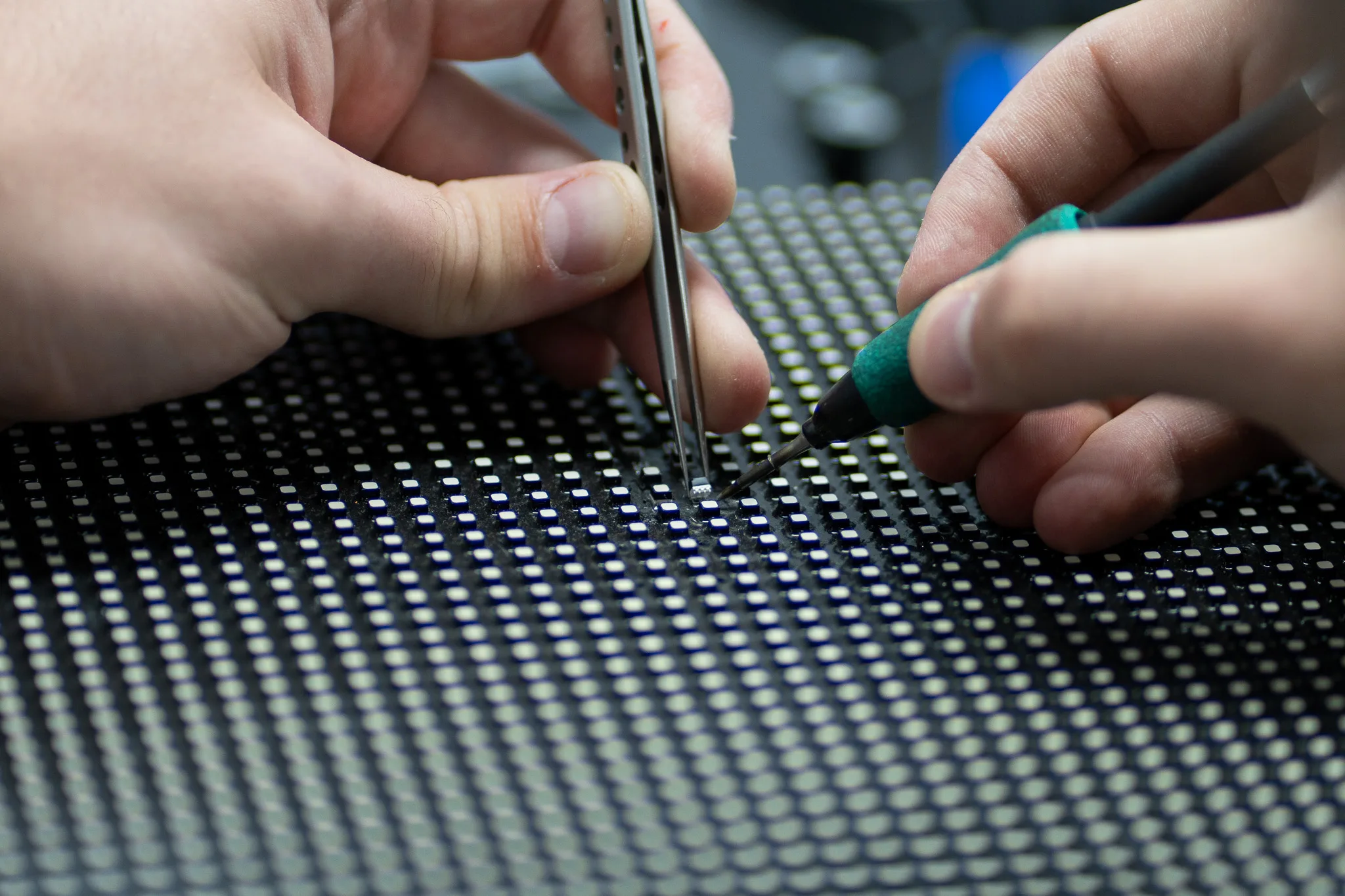
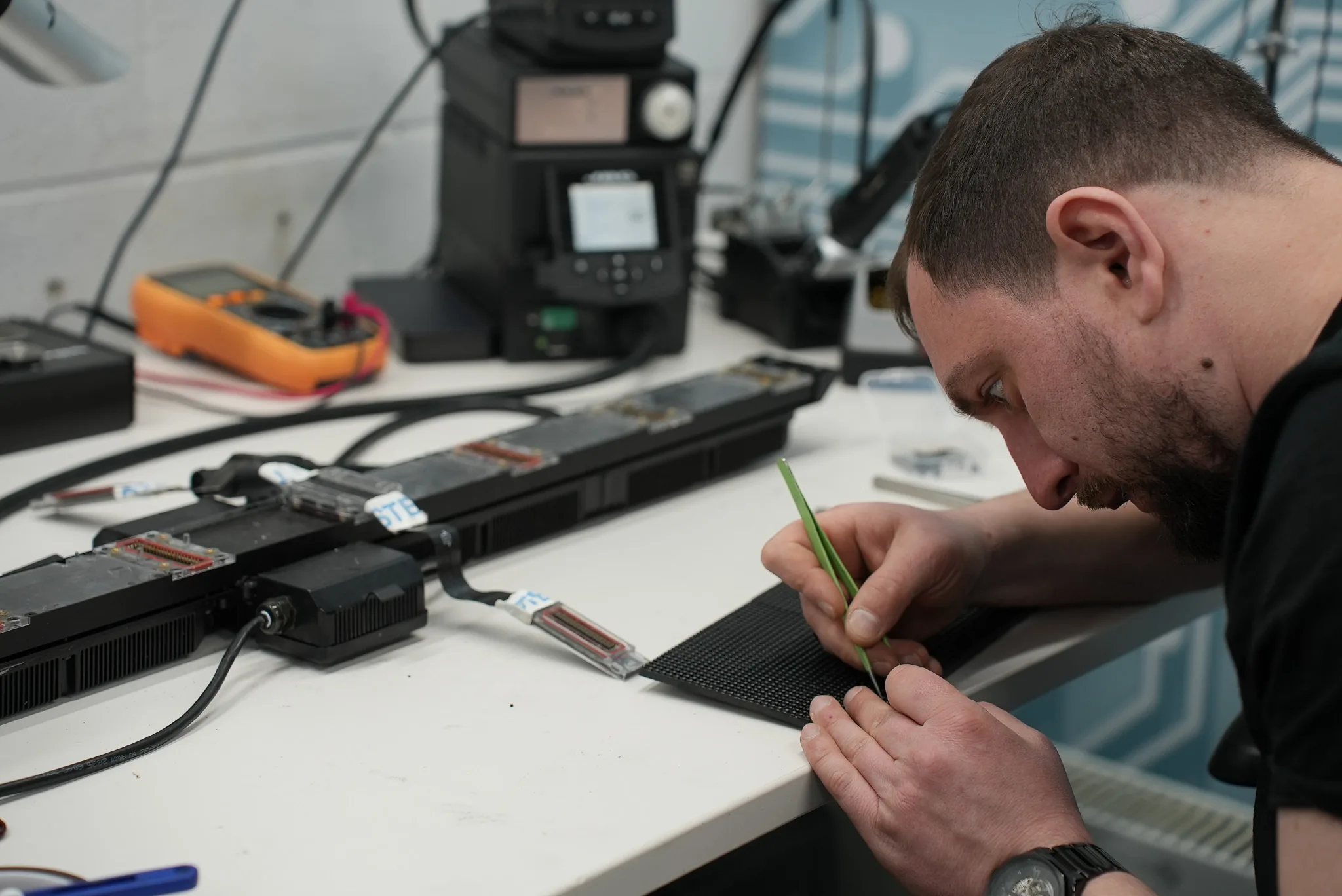
Check brightness, colour consistency, flickering, dead pixels, dark modules and signal loss. A screen can appear functional while still showing faults in individual sections.
7. Test moving lights and static fixtures
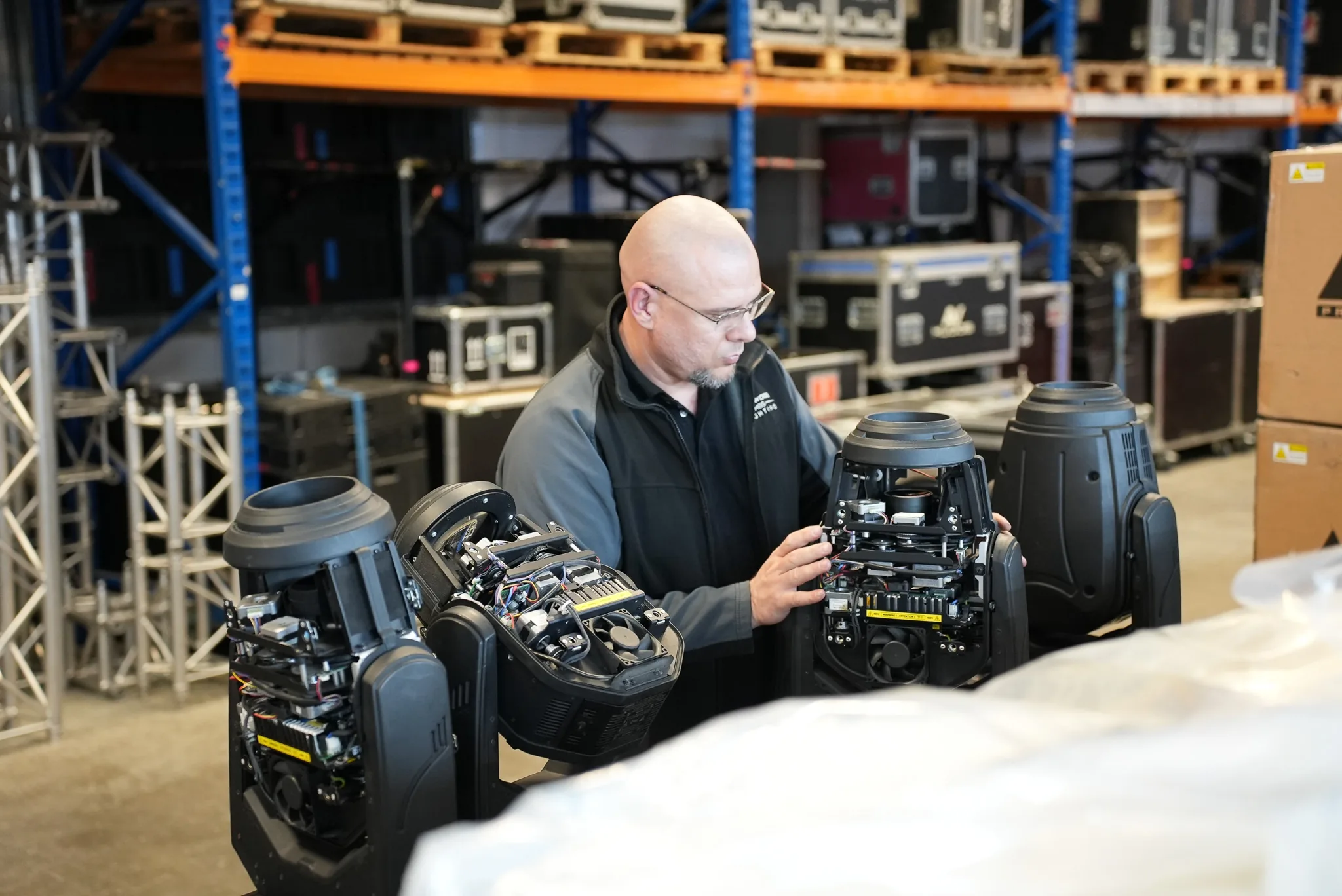
Check the operation, colours and controls of moving lights and static fixtures. Listen for any abnormal mechanical noise during operation.
8. Examine cooling and ventilation
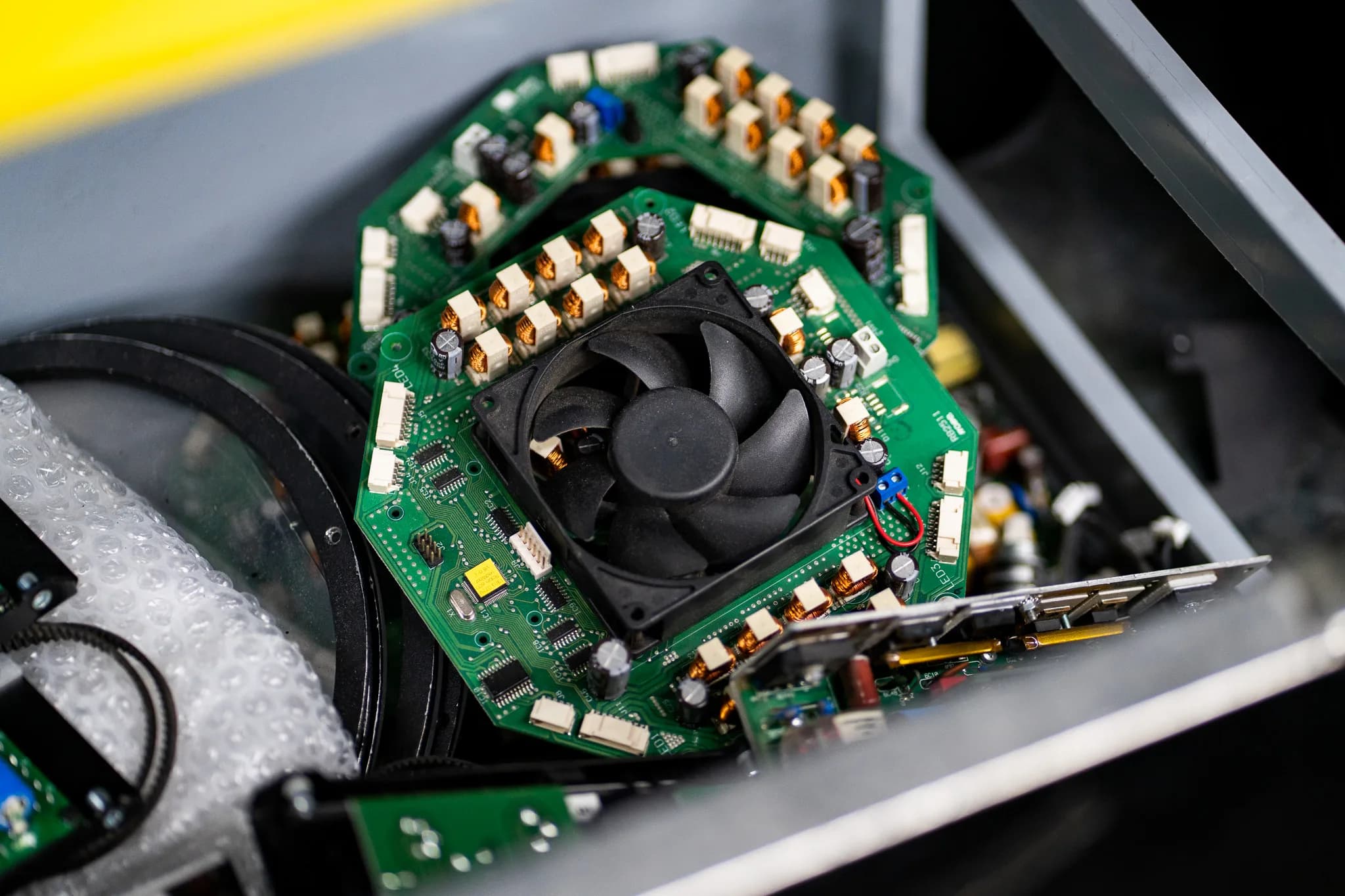
Examine the fans and vents around equipment. Heat damages electronic parts, so blocked vents and dust should be dealt with.
9. Clean equipment safely
Clean dust from the appropriate external surfaces and around vents using the cleaning process recommended for the particular equipment. Do not let water reach the electronic parts.
10. Test processors and controllers
Test processors and controllers together with the other control devices to verify that commands are reaching them.
11. Test network connections
Modern AV systems can rely on network connections for control and communication. Check network cables, switches and connections where these are part of the system.
12. Review firmware and software
Check that the required software and firmware versions are compatible with the equipment. Updates should be tested before being introduced on equipment used for an important event.
13. Test the complete system
Run the entire signal path from source to output. This can reveal problems that do not appear when individual devices are tested separately.
14. Record faults and repairs
Keep a record of faults, repairs, replaced parts and previous inspections. This helps technicians identify recurring problems and track equipment history.
15. Carry out a final pre event test
Run a final test before the equipment is needed. Check power, audio, video, lighting, control and backup equipment so there is time to address anything found.
How often should AV equipment be maintained?
The frequency depends on the equipment and the environment it is used in. Equipment being hired will need inspection before and after an event. For installed equipment, there can be scheduled inspections.
Regular AV equipment maintenance should involve cleaning, connections and performance tests, among other things. Equipment with repeated defects should be inspected ahead of time. Where kit cannot easily leave the venue, onsite AV equipment repair covers what a visit can and cannot do.
When does AV equipment need professional repair?
Routine AV equipment troubleshooting can help identify simple problems such as loose cables or incorrect connections. A recurring fault, a damaged circuit board, a failed power supply or a component level issue can require specialist testing.
Look for signs such as:
- Repeated power failures or unexpected shutdowns
- Persistent flickering or signal loss
- Distorted audio or dead channels
- Overheating or unusual equipment noise
- Faults that return after basic checks
Professional servicing may be required when the fault involves internal electronics or parts that cannot be safely tested or replaced on site.
AV maintenance vs AV equipment repair
AV system maintenance is mostly concerned with inspection, cleaning, testing and the detection of faults in equipment. AV equipment repair is carried out where a particular fault has been identified and needs to be corrected.
The distinction helps in deciding whether it is time for a check or whether a repair is needed.
Get expert support for your AV equipment
A well maintained AV setup lets technicians focus on delivering a smooth event instead of dealing with unexpected equipment faults. Using an audio visual maintenance checklist regularly helps spot issues with power, connections, displays, audio and lighting before they cause bigger problems.
Complete Pixel Solutions provides specialist repair and servicing for professional LED screens, moving lights, pro audio equipment, power supplies and processing equipment. Found a fault during your checks? Make specialist AV repair part of your equipment care plan and keep your systems ready for the next event, or send us the fault and we will tell you what it needs.
Share