On this page
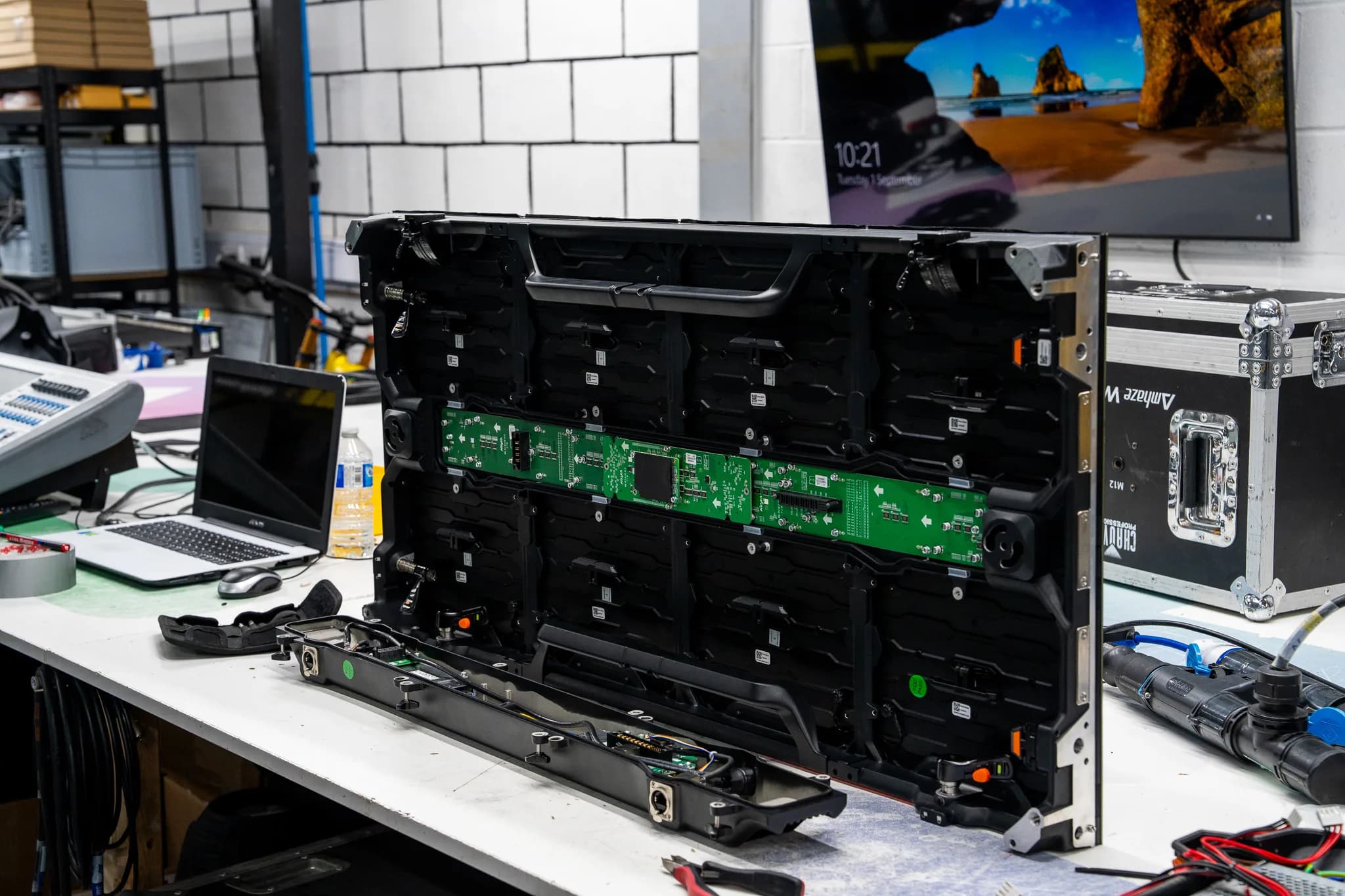
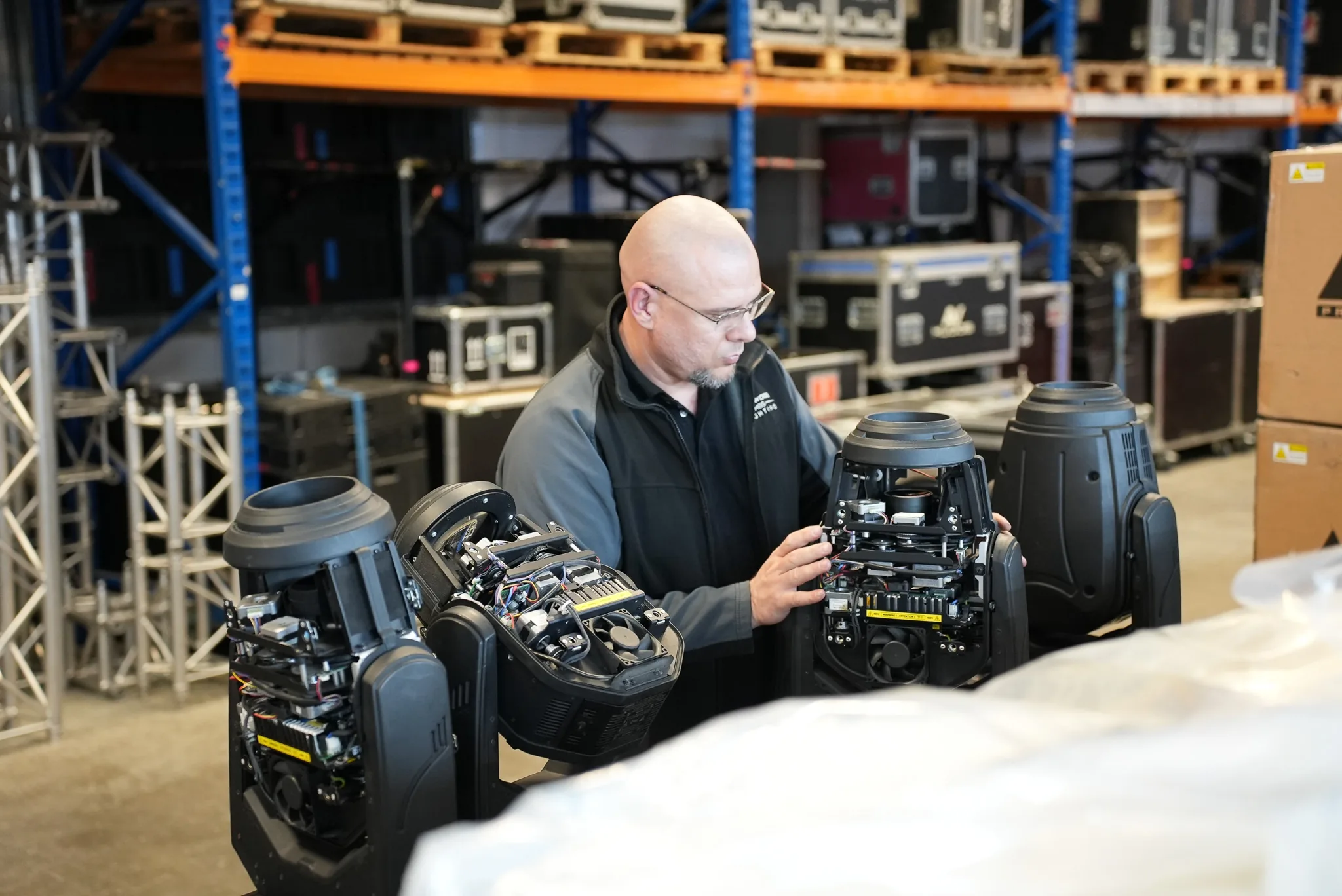
Complete Pixel Solutions provides repair support for professional equipment used across the live events industry, including LED screens, lighting and audio equipment. An onsite visit can be useful for certain faults, while more detailed electronic work may still require a specialist workshop.
What is onsite AV equipment repair?
Onsite AV equipment repair involves a technician visiting a venue, production site or business premises to inspect equipment and identify a fault. If it is feasible to carry out repairs at that point, the repairs are done on site too.
This can include repairs for equipment such as:
- LED displays and video boards
- Audio equipment
- Amplifiers and speakers
- Moving lights and other lighting equipment
- Processors and control equipment
- Power and distribution equipment
It will depend on the equipment and the nature of the fault, among other things. How our on site service works sets out what we bring and how a visit is arranged.
What are the benefits of onsite AV repair?
Onsite AV repair can be useful when removing equipment would create unnecessary disruption.
The advantages are:
- 1.Transportation: it is hard to dismount large LED panels, audio installations and other lighting equipment for transportation.
- 2.Quicker troubleshooting: it is easier for a professional to assess the equipment within its usual environment and understand how it interacts with the whole system.
- 3.Lower disruption: venues and production companies can often leave the rest of the AV system intact while the faulty equipment is being examined.
- 4.Installation troubleshooting: the equipment located inside the venue can be tested without disassembling everything.
On site troubleshooting can help to establish whether the problem is with the equipment itself or somewhere else in the connected system.
What are the limitations of onsite repair?
On site repairs cannot deal with every fault. Certain repairs require special equipment, controlled conditions or testing that cannot be done on site.
A workshop may be more appropriate if:
- 1.A board requires testing.
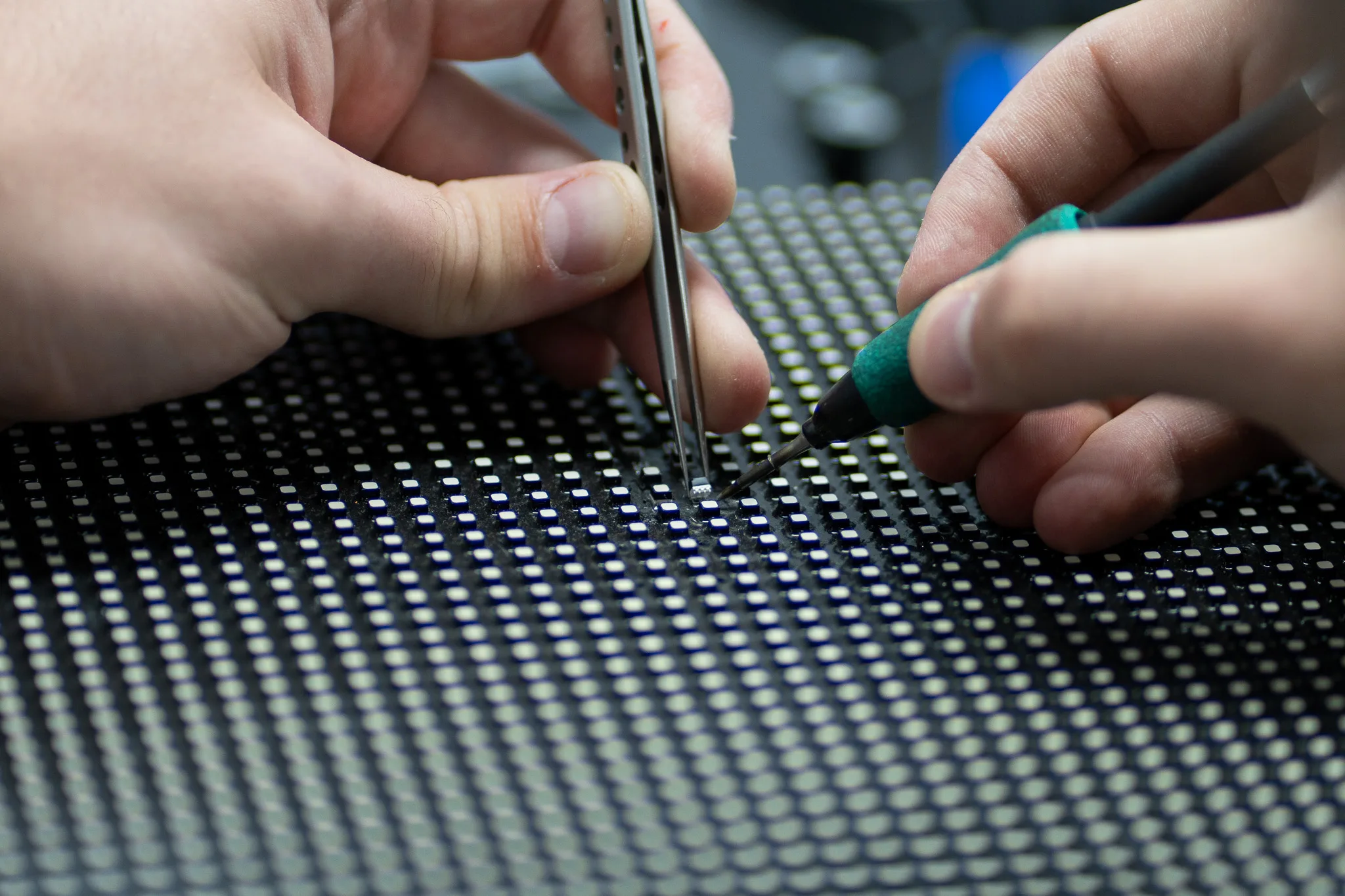
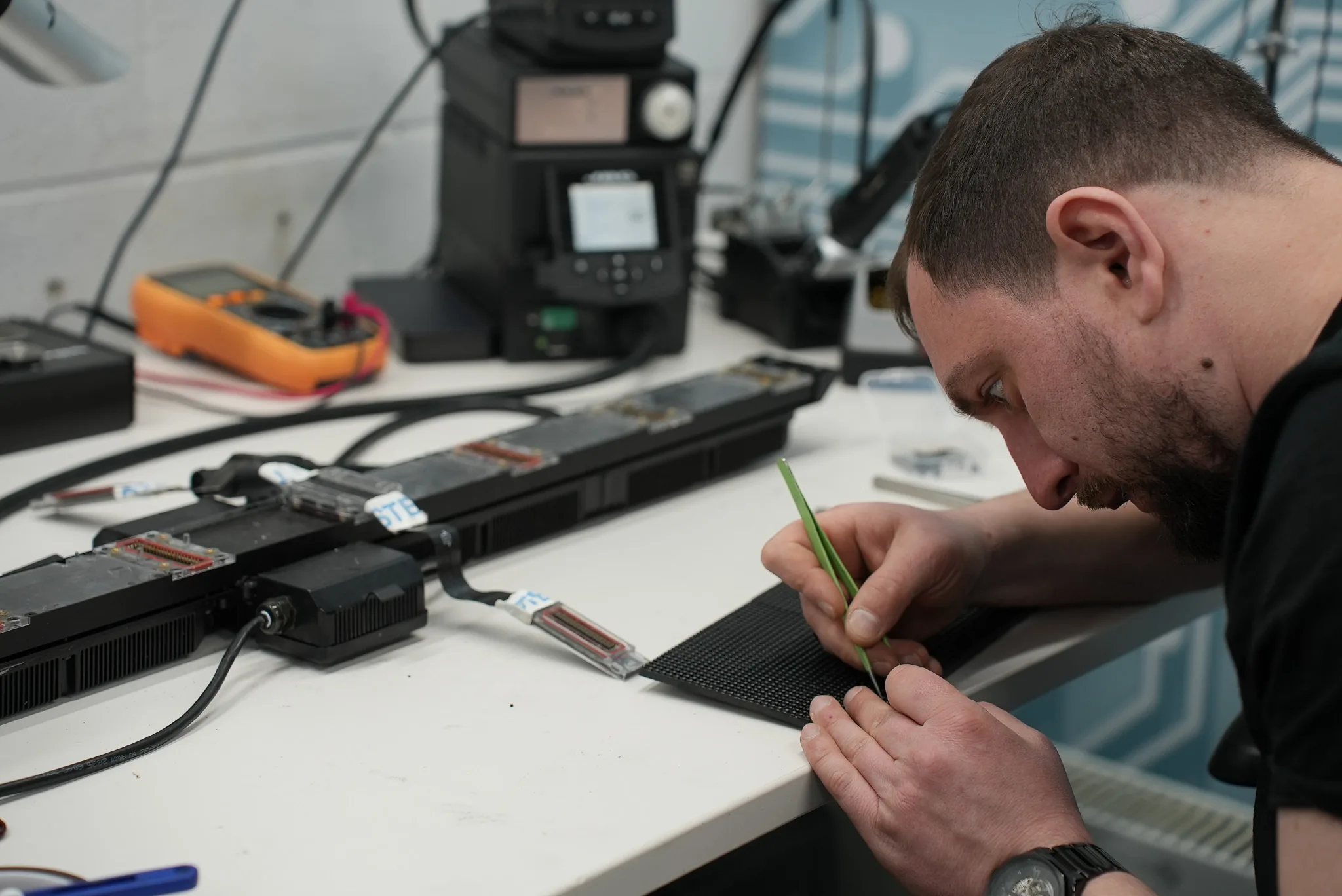
- 2.Component level repairs are needed.
- 3.Specialist soldering or testing equipment is needed.
- 4.Replacement parts are not available during the visit.
- 5.The fault is difficult to reproduce at the site.
- 6.The equipment requires extensive dismantling.
Commercial AV repair may therefore involve a combination of onsite diagnosis and workshop work, depending on what the technician finds.
How does AV troubleshooting work on site?
Good AV troubleshooting starts by understanding the symptoms. The technician will want to know when the problem started, whether it is recurring and which parts of the system it affects.
The diagnosis process may include:
- 1.Power supplies and distribution
- 2.Cables and connectors
- 3.Signal routing
- 4.Control hardware
- 5.Individual modules
- 6.Error reporting
- 7.Connections between the various components
By testing the whole system, the technician can find the cause of the problem rather than replacing a component because it seems faulty.
What to expect during an onsite repair visit
The process usually begins with a description of the fault. The technician then inspects the equipment and checks related connections and components.
Testing follows to narrow down the source of the problem. If the repair is suitable for the site, the required work may be completed there. More involved faults can require the equipment to be taken to a workshop for further testing.
The equipment should be tested after an on site repair to check that the original fault has been addressed and that the system is working correctly.
Onsite repair or workshop repair?
The right option depends on the equipment and the fault.
| Factor | Onsite repair | Workshop repair |
|---|---|---|
| Location | Customer site | Specialist facility |
| Large equipment | Useful for some faults | May require transport |
| Basic diagnosis | Suitable | Suitable |
| Component level work | May be limited | Better suited |
| Specialist testing | Depends on the tools available | Wider testing facilities |
| Installed systems | Useful | Removal may be required |
Regular AV equipment maintenance will help to minimise the chances of unexpected faults developing, by enabling the team to identify failing connections and other problems early. Our audio visual maintenance checklist sets out the checks worth running.
Get professional support for your AV equipment
Onsite AV equipment repair can save time when equipment is large, installed or difficult to transport, but it is not suitable for every fault. A proper assessment helps determine whether the issue can be resolved at the site or requires detailed workshop testing.
Complete Pixel Solutions provides specialist support for professional AV equipment, helping identify faults and determine the right repair route. If your equipment develops a fault before an important event or during regular operation, get expert AV repair support before a small issue becomes a bigger disruption. Have your equipment assessed and find out whether onsite repair or workshop servicing is the right choice for your setup.
Share