On this page
- Key takeaways
- Why are intermittent AV faults so difficult to find?
- What causes AV equipment problems?
- How to carry out AV troubleshooting for an intermittent fault
- How can you tell where the fault is coming from?
- Why fault records help with AV diagnostics
- When should AV equipment be sent for professional repair?
- How to reduce recurring AV equipment problems
- Protect your AV equipment with specialist repair
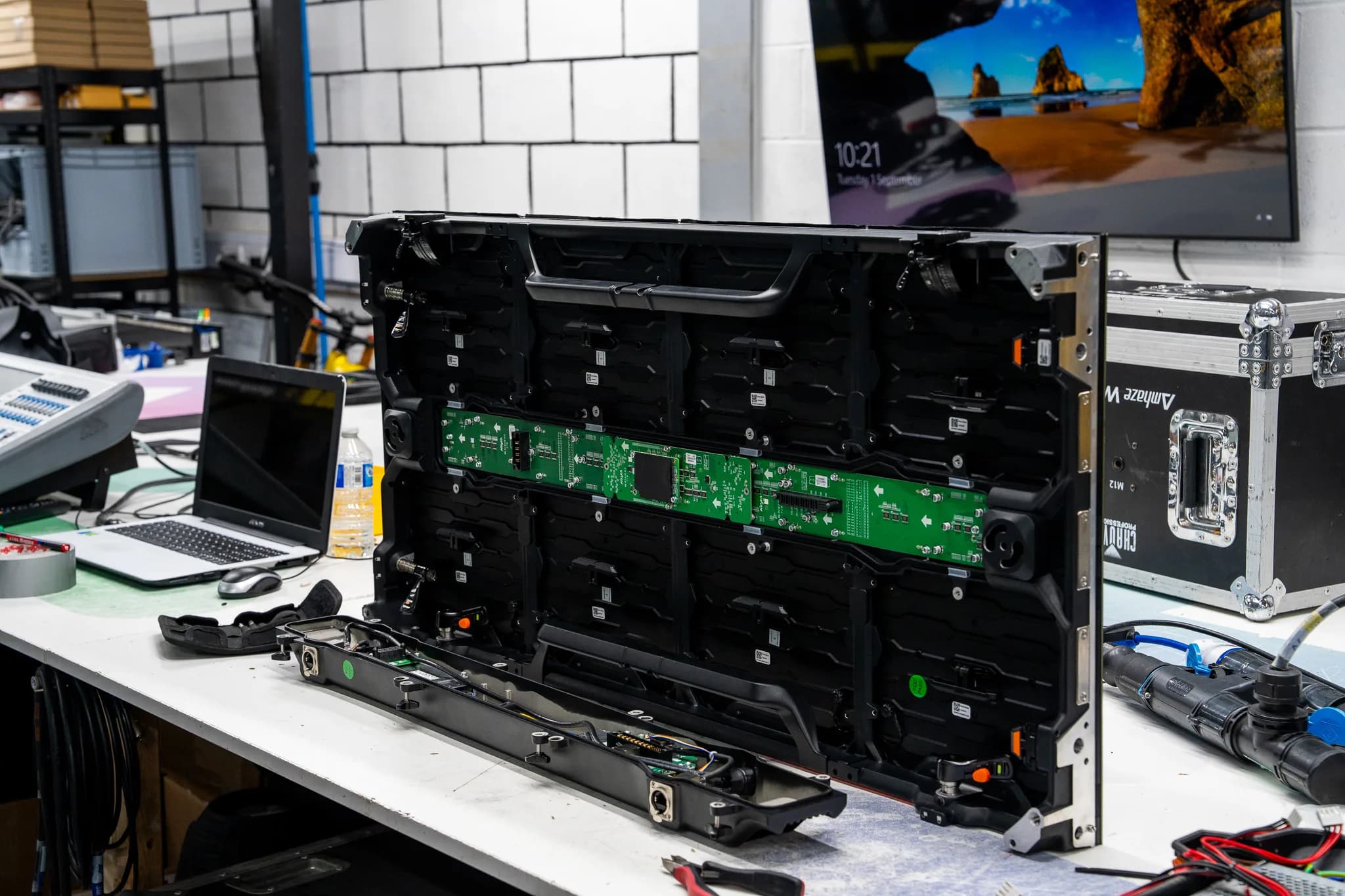
AV troubleshooting can help technicians trace these faults by checking the equipment, connections, power and signal path in a set order. Complete Pixel Solutions works with professional LED screens, moving lights, pro audio equipment and supporting AV infrastructure, where careful fault diagnosis is important when equipment behaves unpredictably.
Key takeaways
- 1.Intermittent AV faults can disappear before technicians have a chance to inspect them.
- 2.Heat, loose connections, power issues, signal faults and ageing components can all cause problems that come and go.
- 3.Recording when and how a fault happens can give technicians useful clues during testing.
- 4.Testing individual parts of a system can help identify where the fault starts.
- 5.Recurring faults may need specialist audio visual equipment repair when basic checks do not reveal the cause.
Why are intermittent AV faults so difficult to find?
Intermittent faults do not always follow a clear pattern. Equipment may work normally for several hours before developing an issue, making it difficult to recreate the fault during a workshop test.
Temperature can also play a role. A component may work when cold but behave differently after the equipment has been running for a while. Movement and vibration can also affect loose connectors, cables or internal connections.
Signal and power problems can create similar symptoms. A screen going blank, an amplifier cutting out, or a lighting fixture losing control may come from several different points in the system.
What causes AV equipment problems?
There are a number of causes for faults that come and go.
- 1.Loose or faulty connections: A connection that is not stable may create an interruption in the signal or power supply.
- 2.Faults in power supply: Faults in the voltage supply or power supplies in general may create an interruption or shutdown in the equipment.
- 3.Faults in heat generation: Poor ventilation or a faulty cooling system may make the equipment function improperly as a result of heat accumulation.
- 4.Faults in signals: Faulty cables, connectors, processors, or communication links may cause interruptions in the audio, visual or lighting controls.
- 5.Aging components: Internal components may start to work improperly as they grow old due to certain conditions of operation.
- 6.Movement or vibration: Equipment used in live events is often transported and repositioned, which can expose weak connections.
How to carry out AV troubleshooting for an intermittent fault
The testing procedure can be carried out in such a manner that it will make it easier to diagnose any faults. Start by recording the problem and when it occurs.
- 1.Record the problem: Note the time, duration, and nature of the problem.
- 2.Check the whole system: See if one device is involved or a few interconnected devices.
- 3.Inspect power connection: Check plugs, power cables, supplies, and power distributors.
- 4.Check the signal lines: Inspect cables, connectors, and processors from the source to the faulty device.
- 5.Check operating conditions: Determine if the problem occurs due to heat generation, movements, or prolonged operation.
- 6.Test individual components: If possible, test equipment separately and not the whole system as one unit.
- 7.Test using functional components: Using a known functional cable or other components will be very useful in pinpointing the source of the problem.
- 8.Re-test: See if you can replicate the same circumstances under which the problem occurred.
- 9.Record all tests: This will ensure that there will be no duplication of tests.
Checking several components at once will make it difficult to diagnose problems. Testing one area at a time gives technicians a clearer picture of where the issue may be coming from.
How can you tell where the fault is coming from?
AV fault finding often starts with the symptoms, but the visible symptom may not identify the faulty component.
| Symptom | Areas to check |
|---|---|
| Screen goes blank occasionally | Power, processor or signal path |
| Audio cuts out | Cable, connector, amplifier or source |
| Light stops responding | DMX, control connection or power |
| Equipment shuts down after running | Heat or power supply |
| Fault appears when equipment moves | Cable or connector |
| Several devices develop the same issue | Shared power, signal or control system |
These checks provide a starting point rather than a final diagnosis. The exact cause depends on the equipment and system setup.
Why fault records help with AV diagnostics
Intermittent problems become easier to track if past problems are noted down. The record can include:
- 1.Date and time of the problem
- 2.Equipment involved
- 3.Operating conditions
- 4.Error messages
- 5.Tested cables and other parts
- 6.Previous repairs
- 7.Whether the problem reoccurred
A pattern may emerge if the same equipment is examined in successive events. If the problem arises only when the equipment has been running for a long time, then it may guide the technician towards heat or power problems.
When should AV equipment be sent for professional repair?
A professional test may be required if the problem persists after an initial check. The persistent problem could be caused by recurrent power failure, faults in the internal components of the system, circuit board fault, recurring signal problems and overheating.
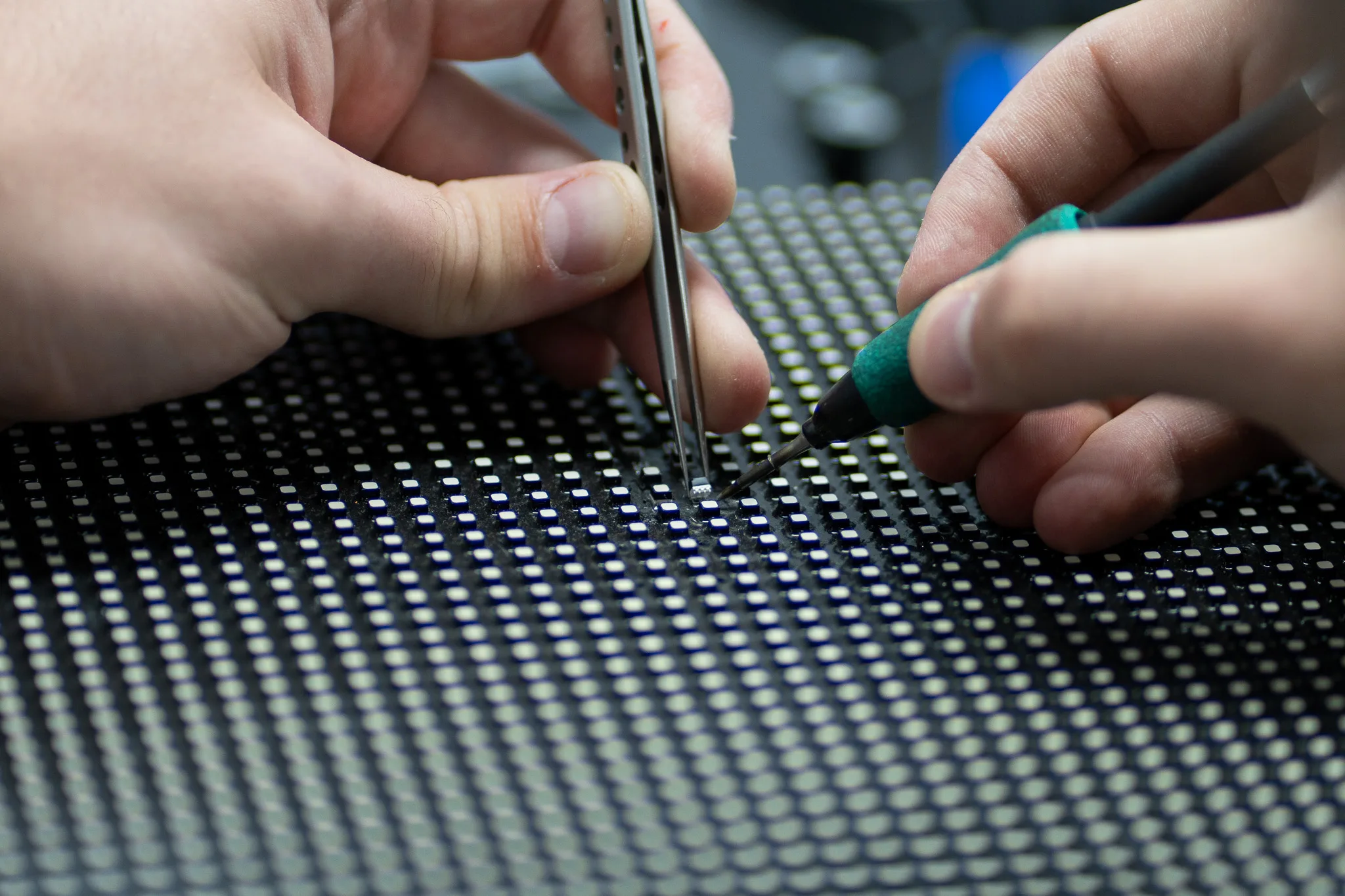
Workshop test may also be carried out if it is not safe to recreate the problem at the site where the problem is being observed. Test equipment available at the workshop will allow detailed check of components and circuits and help identify if AV equipment repair is required.
How to reduce recurring AV equipment problems
Regular checks can reduce the chance of small faults developing into larger equipment issues.
- Inspect cables and connectors before important events.
- Keep ventilation areas clear.
- Check equipment after transport and installation.
- Record recurring faults and previous repairs.
- Test rental equipment before dispatch.
- Investigate repeated faults instead of relying on repeated resets.
- Schedule servicing for heavily used equipment.
A good maintenance record also gives technicians useful information when equipment develops an intermittent issue.
Protect your AV equipment with specialist repair
Intermittent faults can be difficult to trace because equipment may work normally during testing and fail again when it is needed most. Careful AV troubleshooting helps technicians look beyond the visible symptom and check power, connections, signal paths, temperature and individual components.
Complete Pixel Solutions provides specialist repair and servicing for professional LED screens, moving lights, pro audio equipment and supporting AV systems. Recurring faults should not be left to chance, especially when equipment is part of an important event setup.
Keep your AV equipment ready for every event with specialist fault diagnosis and expert repair from a team that understands professional event equipment.
Share