On this page
When an LED display misbehaves, it’s easy to assume the screen itself has failed. A dark tile, a flicker or a block of dead pixels usually has a smaller cause, which is why LED screen problems are often repairable without replacing anything. Below, you’ll find the common faults, what causes them and what to check first. And if the checks don’t settle it, the technicians at Complete Pixel Solutions can take it from there.
Key Takeaways
- Power, signal, control and module faults can all cause LED screen problems.
- A black screen may point to a power or signal issue, not a failed display panel.
- Flickering, colour shifts and image distortion need different checks.
- Start by identifying whether one module, one cabinet or the full screen is affected.
- Check external cables and the video source before investigating internal hardware.
- Stop using equipment that shows signs of electrical damage or overheating.
- Photos and fault notes can help a repair technician narrow down the problem.
- Component-level repair may be possible when the fault is traced to a repairable part.
Common LED Screen Problems and Their Symptoms
LED display problems can affect a single pixel, one module, a cabinet or the whole wall. The pattern of the fault is a useful starting point when narrowing down the cause.
Here are common video wall problems and the components that may need checking.
| LED Screen Symptom | Possible Cause |
|---|---|
| Entire screen is black | Power supply, controller output, signal input or receiving system fault |
| One cabinet or section is blank | Local power or data connection, receiving card or module fault |
| Screen flickers | Unstable power or data connection, processor settings or an internal component fault |
| Incorrect colours | Calibration or configuration issue, module fault or data connection problem |
| Horizontal or vertical lines | Module electronics, driver circuitry or data path fault |
| Random pixels or image distortion | LED components, driver circuitry, signal transmission or configuration issue |
| Screen works intermittently | Loose connection, heat-related fault or failing electronic component |
These are starting points, not definitive diagnoses. The same symptom can have different causes depending on the display system and how it is configured.
LED Screen Not Working: Is the Whole Display Affected?
If your LED screen isn’t working, start by seeing how much of it has actually gone dark. If the whole screen is black, the problem is most likely the main power supply, the controller or the signal coming in. If it’s only one cabinet or module, the fault is probably local, so it could be that section’s power or data connection, its receiving card, or the module’s own electronics.
This distinction helps narrow down the LED display fault before parts are replaced.
What Causes LED Display Faults?
LED displays combine several electronic and control components. A problem in one part of the system can affect the image produced by another. Here are some led display faults:
1. Power Supply Problems
LED modules and cabinets need a stable power supply. A failed supply, damaged cable or interruption in power distribution can leave one section or the entire display blank. If you notice burning smells, damaged cables or signs of overheating, stop using the equipment and arrange an inspection by a competent person.
2. Signal and Data Connection Issues
The image data travels from the control system through the sending equipment and receiving cards, and then on to the LED cabinets. If a data cable is damaged, a connector has come loose, or the communication drops out anywhere along that path, you can end up with a blank cabinet, a distorted picture, or no signal at all.
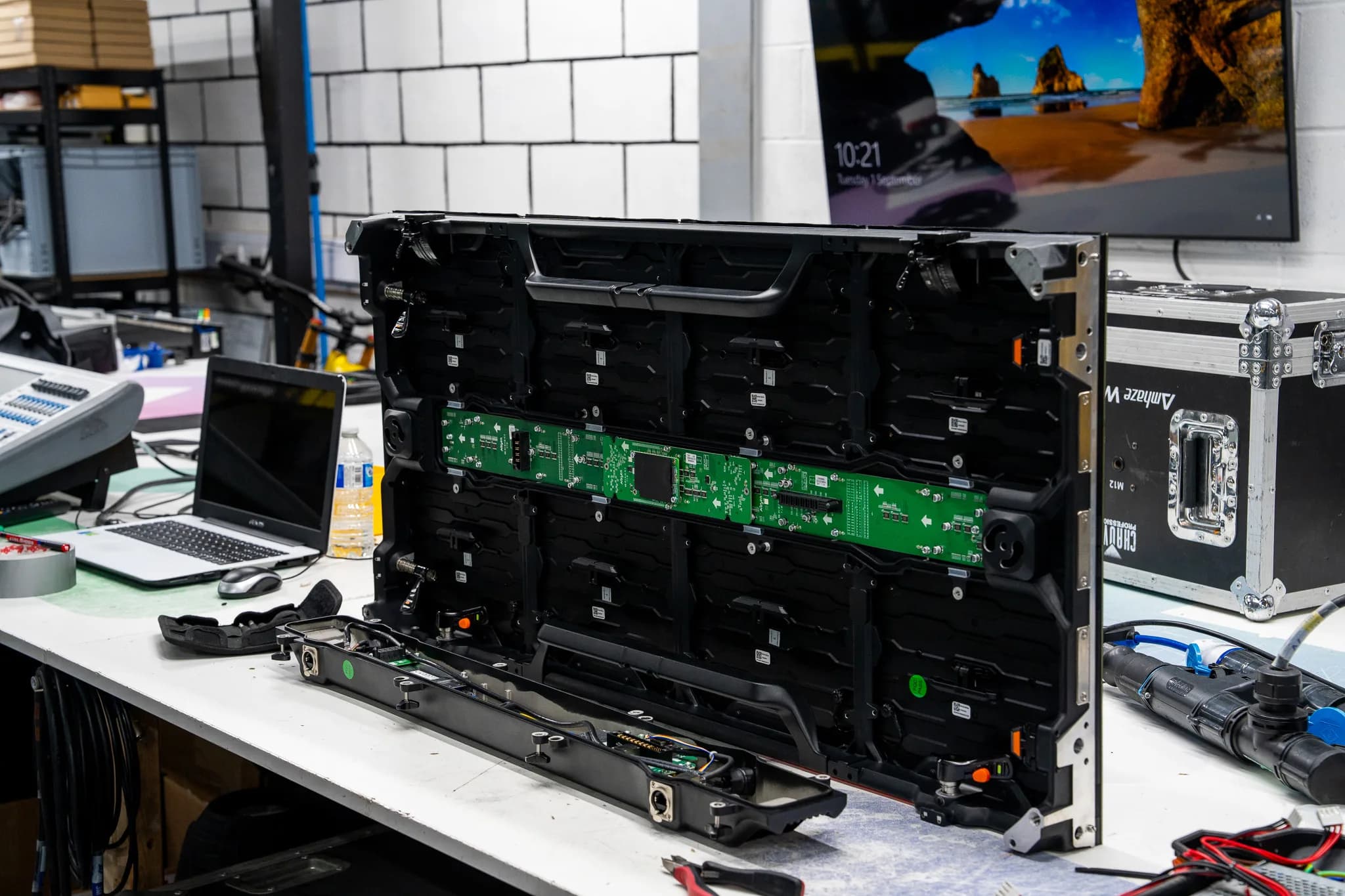
3. LED Module and Receiving Card Faults
The LED module displays the image, while the receiving card handles data for its section of the screen. A fault in either component, or in its connections, can cause dead pixels, colour problems or a blank module. Testing helps establish whether the module, card or another part of the system is responsible.
4. Heat, Dust and Physical Damage
Touring and event screens are regularly moved, assembled and dismantled. Impacts can damage modules or connectors; dust and obstructed ventilation can impact cooling. Inspect the equipment for observable damage as part of normal care. Keep ventilation apertures free.
5. Configuration and Control System Issues
Not all LED display problems are hardware faults. Incorrect screen mapping, resolution, controller settings or source configuration can cause an incomplete or distorted image. If the fault started after a system change, review the settings before assuming a component has failed.
LED Wall Troubleshooting: What to Check First
LED screen glitching, showing part of the picture; don’t change lots of settings at the same time. Go through the checks one at a time, in order, so you can tell whether the problem is coming from the source, the outside connections or the display hardware itself.
Step 1: Identify the Affected Area
Check whether the problem affects:
- The entire LED wall.
- One cabinet or a group of cabinets.
- A single module.
- Particular pixels or rows.
- The image only appears when certain content is displayed.
Note the affected location and whether the fault stays in the same place.
Step 2: Check the Signal Source
Make sure the media player, computer or other video source is actually working. If you have another source you know works, connect it the normal way and see what happens. If the picture comes back, the problem is with the original source or its output settings, so look at that before you start blaming the LED modules.
Step 3: Inspect External Connections
Check the equipment's exterior for damaged cables or connectors, especially those that may have shifted during shipping or installation. Before disconnecting anything, turn it off and isolate it from electricity. Keep enclosures closed and don't touch internal connections; that's for a pro.
Step 4: Check the Power and Operating Conditions
Check for visible cable damage, blocked ventilation and signs of overheating. Do not remove covers or attempt to test internal power supplies. Stop using equipment with burn marks, damaged cables or other signs of electrical damage and arrange a competent inspection.
Step 5: Record the Fault Before Changing Settings
Take a quick photo or short video of the fault so you have proof of what’s happening. Write down which modules or cabinets are affected, when the problem shows up, and whether it’s always there or comes and goes. Pass all of this on to the repair technician when you ask them to take a look, as it will save them time and help them find the cause faster.
Electrical safety matters: Keep your checks to external connections and visible damage. Do not open power supplies or work on internal electronics unless you are competent to do so. The HSE’s guidance on electrical equipment advises users to switch off and unplug equipment before checks and to stop using equipment that appears damaged or unsafe.
When Do LED Display Problems Need Professional Repair?
If the basic checks do not resolve the fault, the problem may involve a receiving card, power supply, module or another internal component. Arrange a professional assessment if:
- The same fault keeps returning after basic checks.
- A cabinet or module remains blank despite a verified signal path.
- Flickering or image distortion continues across different sources.
- The equipment shows signs of overheating or electrical damage.
- A receiving card, power board or LED module appears to have failed.
- The fault is intermittent and difficult to reproduce.
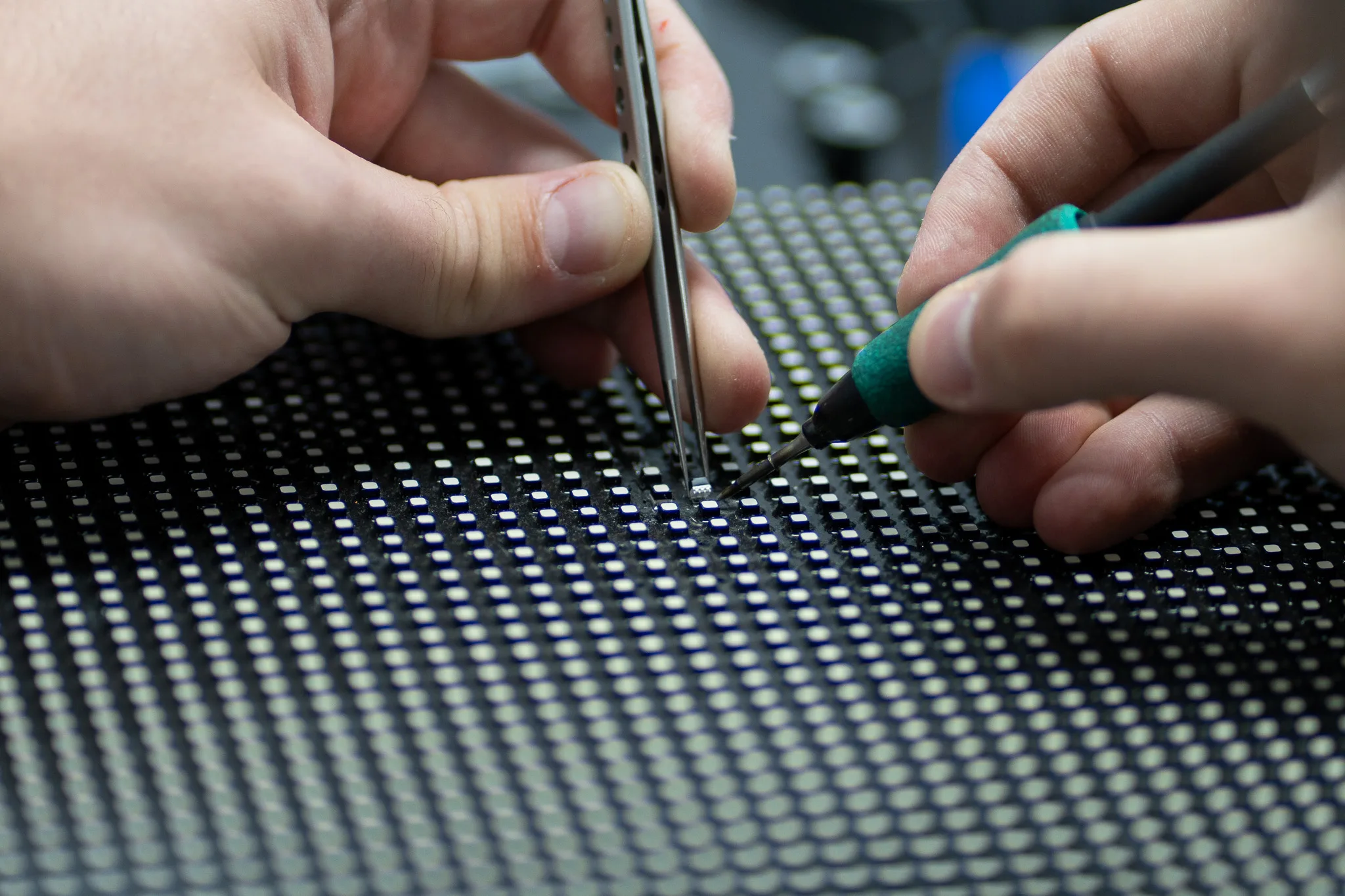
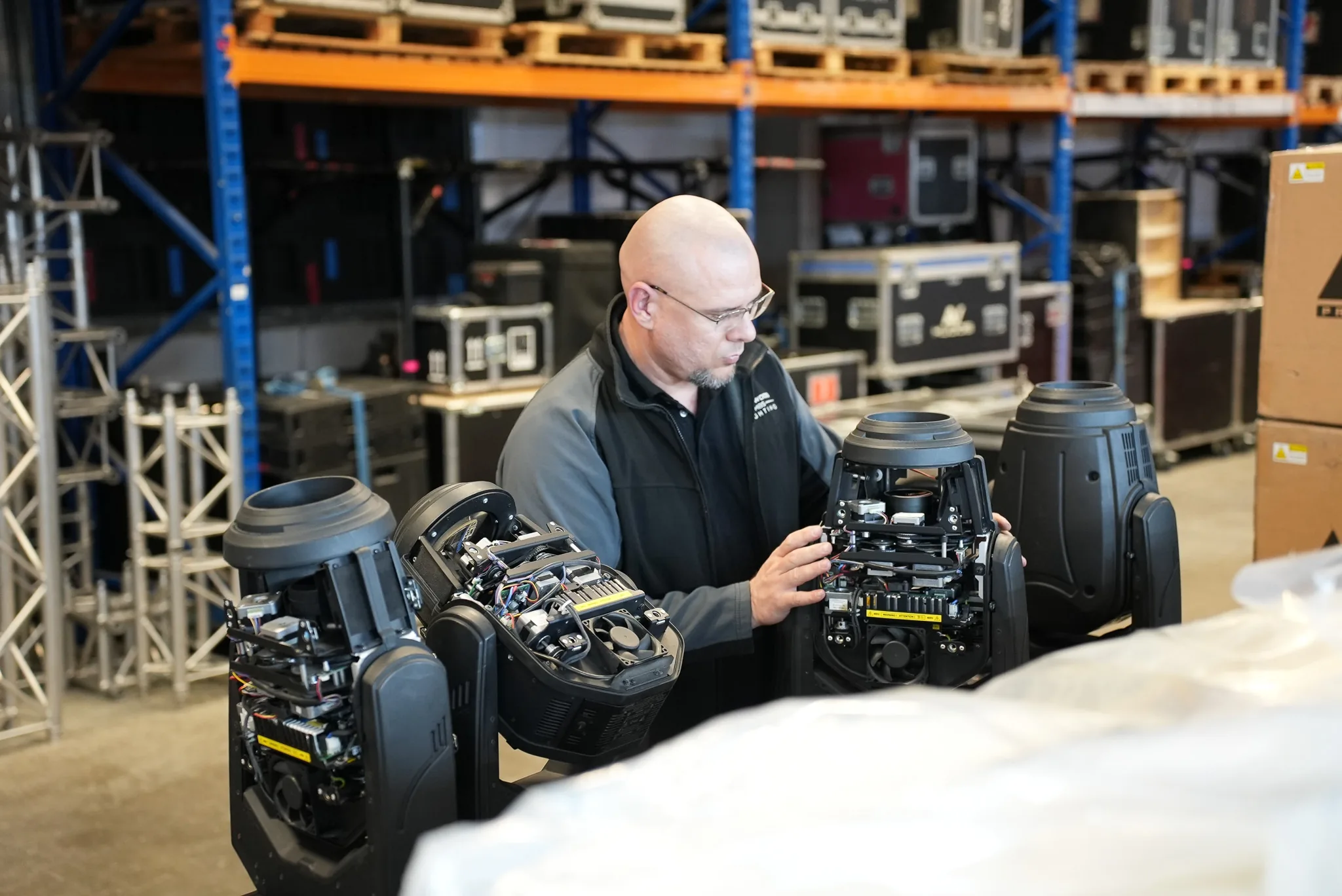
At Complete Pixel Solutions, diagnosis focuses on identifying the affected part before deciding what needs repairing. Where practical, component-level repair can restore a faulty board or circuit without automatically replacing the complete assembly.
If your display needs specialist attention, explore our LED video wall repair service or send in your equipment for repair.
How to Reduce Recurring LED Screen Faults
A few consistent checks can help catch developing problems before equipment is needed for a show or installation.
- Inspect equipment before use: Look for damaged connectors, cables, cabinets and visible signs of impact.
- Keep ventilation clear: Check that fans and ventilation openings are not obstructed.
- Pack modules properly: Use suitable protective packaging during transport and storage.
- Record recurring faults: Keep notes of error messages, affected modules and operating conditions.
- Arrange appropriate maintenance: Have equipment inspected by people with the right technical competence.
- Address faults early: Avoid repeatedly putting unreliable equipment back into service without investigating the cause.
For rental houses and production teams, consistent inspection records can also help identify equipment that repeatedly develops the same problem.
Get Your LED Screen Fault Diagnosed
A fault that keeps returning can cost time during setup and leave valuable equipment out of service. Complete Pixel Solutions repairs LED screens for the live event industry, from individual pixels and modules to receiving cards and power supplies.
Send us a photo or short video of the problem and tell us which part of the display is affected. We’ll help you work out the next step.
Share