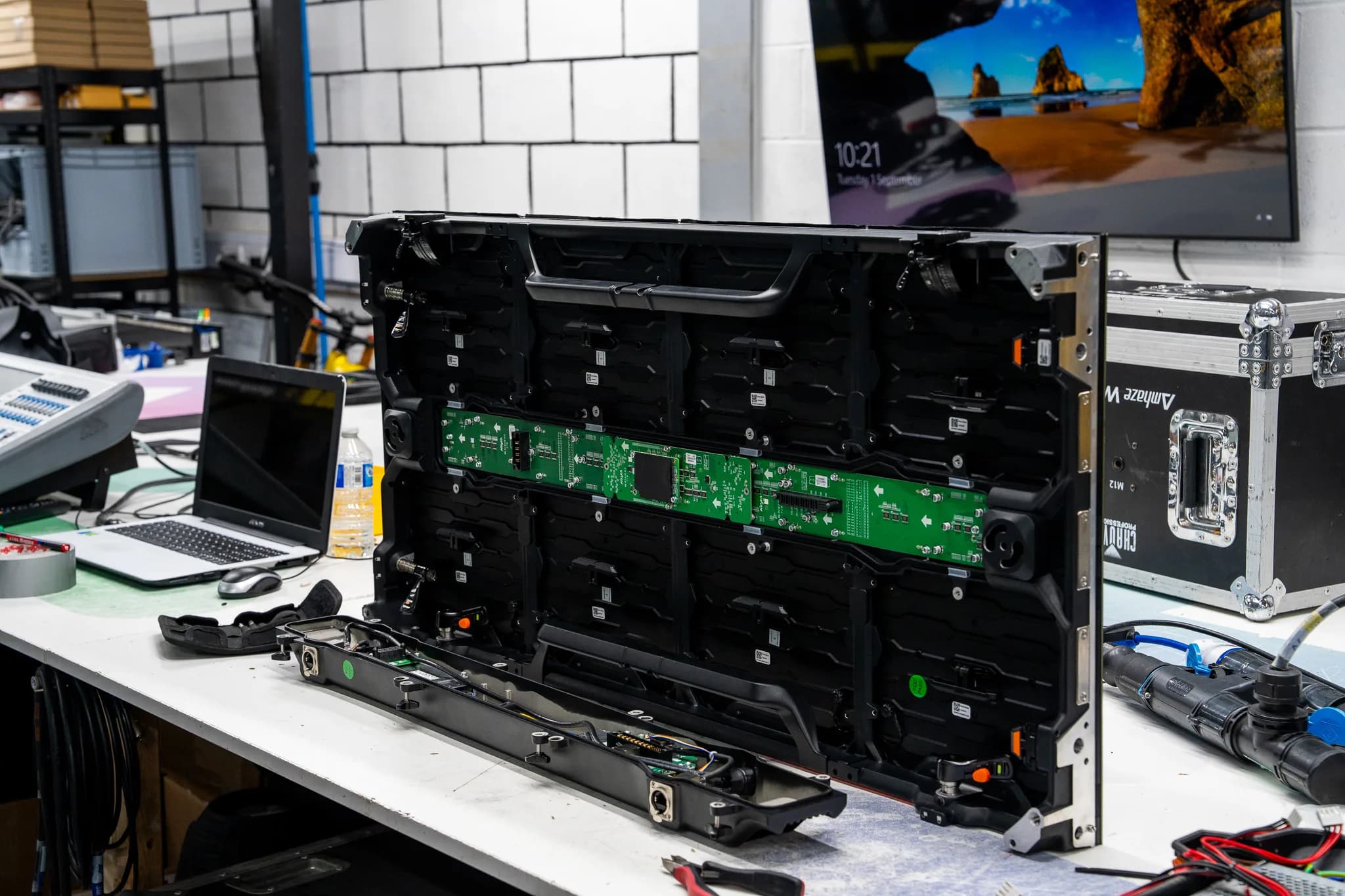
The processor says it can't find one of the receiving cards, so that panel stays black while the rest of the screen runs.
LED receiving card not detected by the processor: where to look
Last updated:
The processor reports a missing card, but the card itself is frequently healthy. How to separate a sagging power rail from a broken data path, and what we can repair.
- Usually
- Power rail sag or a broken data link, not the card
- Check first
- 5V at the card header with white content running
- Fixable
- Connectors, magnetics, rails yes. Dead FPGA no.
- Send in or on site
- Send the card with one working panel from the run
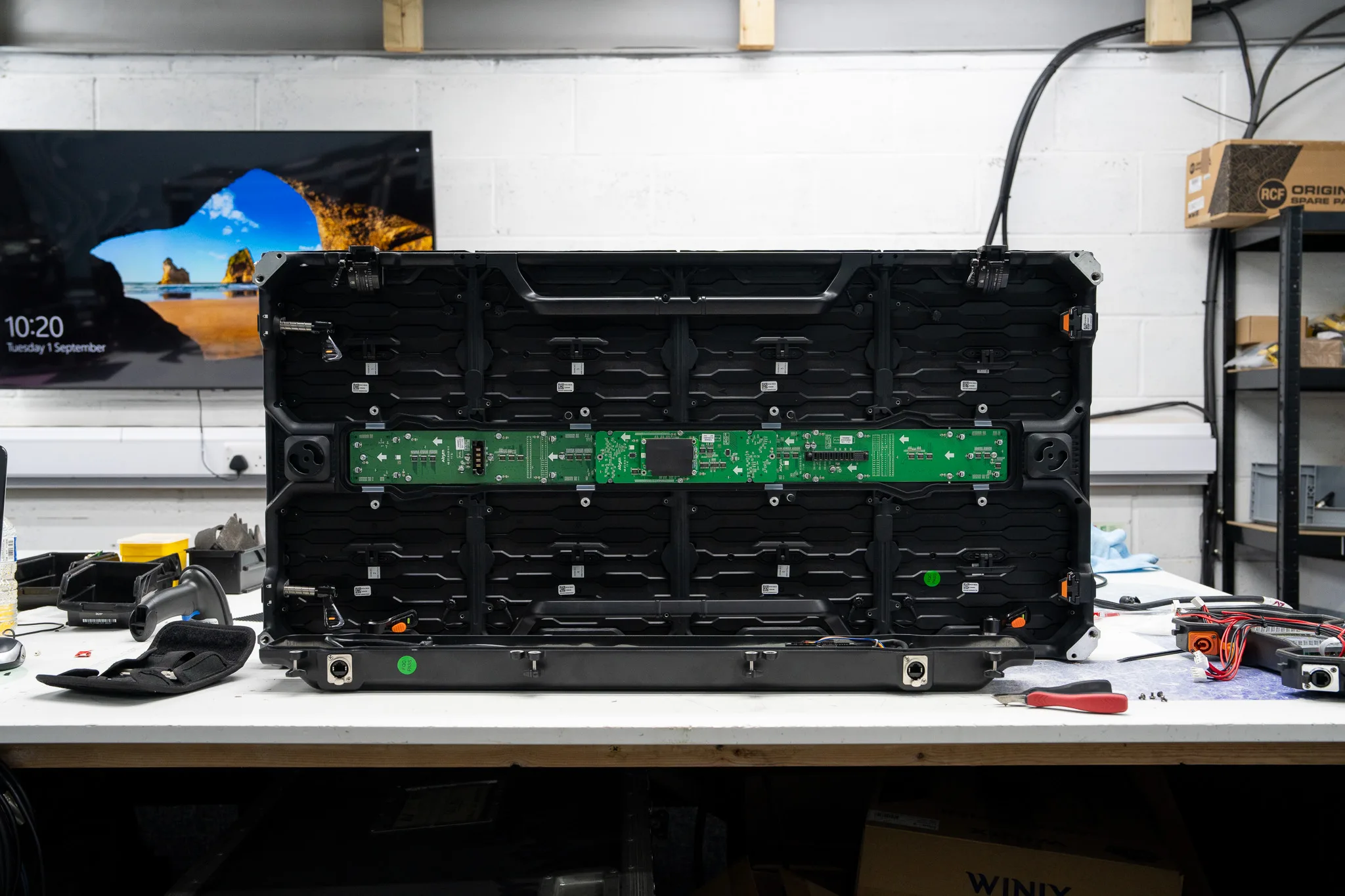
Most of the cards that reach us labelled "the processor can't find it" power up perfectly on the bench. That tells you something immediately. An LED receiving card not detected is, more often than not, a power or data problem in the panel around it rather than a dead card. The processor only reports what answered on the wire, and it has no way of knowing whether the card is fried, browned out, or simply cut off two panels upstream.
So work out where the chain stops before you start pulling cards.
What the processor is actually telling you
"Receiving card not found" means the sending card put a detection packet out and nothing replied in time. That's the whole message. The card might be unpowered, the Ethernet path might be broken, or the firmware might have fallen over so the MCU never answers.
Three quite different conditions all produce that same line in the software:
- The card has no power, and everything downstream of it is black too.
- The card is powered and the panel lights, yet it never replies to the processor.
- The card replies sometimes, so your found count changes with every scan.
That third one is the most useful clue on the list. An unstable count is a supply fault until proven otherwise.
Why an LED receiving card is not detected, in order of likelihood
Power first, always. The card typically runs from the same low voltage rail as the drivers. When a tired supply sags under load, the drivers keep going (dimly) but the card browns out and goes quiet. The giveaway pattern: the card is found while the screen is black or showing dark content, then vanishes the moment you push white. Or it's found cold and lost twenty minutes into a show.
Measure at the card's power header with the panel running real content, not at the PSU output terminals. Those two readings are often not the same, and the difference is the fault (a corroded spade, a cracked solder joint on the hub board power pin, a loom that's been crushed by the frame). We see more cards condemned for a bad connector than for anything on the PCB.
The hub board and the header. Receiving cards plug onto a hub board through a pin header that gets pushed, pulled and vibrated through every load out. Bent pins, a partly seated card and green corrosion on the contacts all produce an identical symptom. Reseat the card properly, with the panel powered down, and look at the pins while it's off.
The data path into the panel. Internal flyleads take a beating. Nine times out of ten, when the cabling is at fault inside a panel, it's one of the short Cat5 jumpers between the connector plate and the card, usually with a snapped RJ45 latch so it has backed half out. Check that before you touch anything clever.
The card before it in the chain. Receivers daisy chain, so one dead output takes out everything after it. The found count tells you where. If the software sees twelve cards on a run of twenty, you're interested in the output of the twelfth panel and the input of the thirteenth, not the card at the far end that someone has already swapped twice.
The port on the processor. Move the whole run to a known good output and rescan. Fibre converters belong in this check too: a converter with a weak transmitter will pass some ports and fail others on the same box. Processors do lose individual ports, and that's a different repair, covered on our power supplies and processing page.
Firmware, versions and duplicate IDs. A card that lost power halfway through an update sits there half programmed and silent. The other version of this: somebody updated the processor firmware, and the new build no longer talks to an older generation of receiving card in the same screen. Duplicate IDs after a careless clone will also leave a gap in the map, because two cards answer at once and the software believes neither.
Surge and water. On outdoor and semi outdoor screens, the Ethernet magnetics are the first casualty of a surge down a long data run. Lift the card and look at the underside near the connector. Browning, a crisp smell, or pale green crust around the pins all point the same way.
Checks for an LED receiving card not detected, before the panel leaves site
- 1.Rescan twice and write down both numbers. A count that changes is power. A count that's stable is data.
- 2.Swap the panel for a known good one in the same position. If the fault moves with the panel, the panel owns it. If it stays in position, look at the cable and the panel feeding it.
- 3.Put the suspect card into a known good panel on the bench or the floor. Cards travel better than panels, and this single swap settles most arguments.
- 4.Measure the card's supply rail at the header under full white, not at idle.
- 5.Replace the input flylead with a short patch you trust. Cheap and quick.
- 6.Try a different processor port, and a different fibre leg if you're running fibre.
Do those six and you'll know whether you're sending us a card, a panel or a processor. For a production company turning a screen round between jobs, that distinction is the difference between one box in a van and a whole flight case.
What we repair and what we won't pretend to
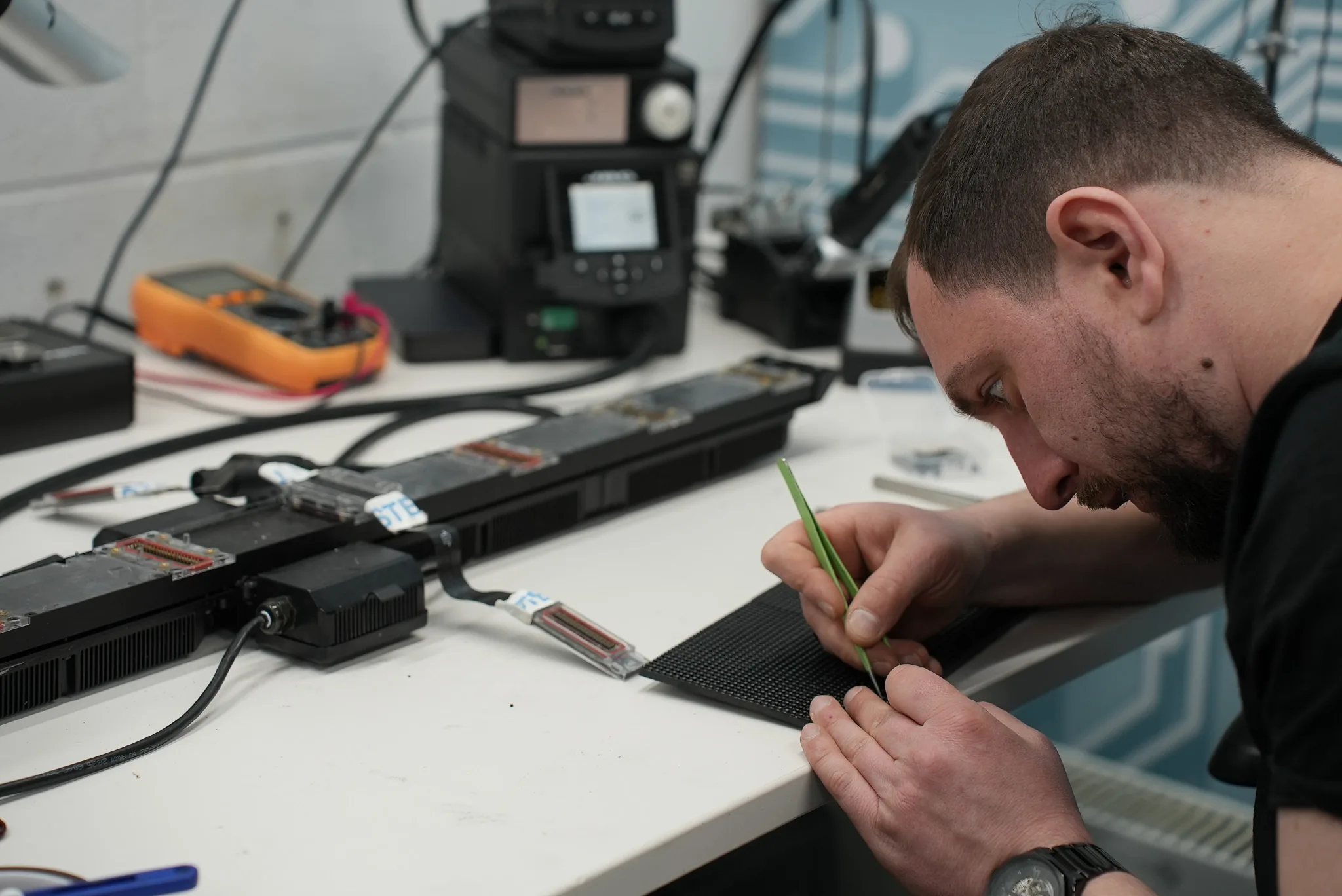
Connector level work is routine. Replacing a damaged RJ45 with its magnetics, rebuilding a power header, repairing lifted pads on a hub board, chasing a cracked joint under a connector that's been levered sideways once too often: all normal bench jobs. Supply faults in the panel that cause the dropout are our bread and butter, because they sit squarely in power and processing work rather than LED work.
Firmware is often recoverable. If the MCU boots, the card usually shows itself for long enough to take a clean load, and a half finished update clears up on the bench without drama.
What we can't do is resurrect a dead FPGA, or source firmware for a card whose maker won't release it. Water damage that has wicked under a BGA is another one. We'll test it, tell you plainly, and stop there rather than bill you for hope. We don't sell hardware, so when the answer is a replacement card we tell you exactly which part the host panel needs and fit the one you supply. You can see the sort of board level work we take on over on our completed repairs.
When the fault is upstream of the card
If several cards drop together, or all of them vanish on one port, stop looking at panels. Processor output stages fail, and so do the power supplies inside the processor itself, often showing up first as one flaky port rather than a dead box. A processor running on a sagging internal rail behaves exactly like a screen full of bad cables.
Same logic applies to a single black module with a card that's perfectly visible to the processor. That's a different fault tree, and we've written it up separately in power fault or data fault on one module.
Manufacturer control software documentation is worth keeping to hand for version compatibility, and both NovaStar and Brompton Technology publish support material for their own ecosystems.
Getting an LED receiving card not detected onto our bench
Send the suspect card together with one panel from the same run that you know works, and tell us the found count and whether it moved between scans. That one sentence saves us an hour. Use our send in repair route for cards and panels.
If the screen is installed and the problem spans whole ports or lives in the processor, on site service makes more sense, because the fault often won't show in isolation. Either way, talk to us with the model of your processor and cards to hand, and we'll tell you what to put in the box.