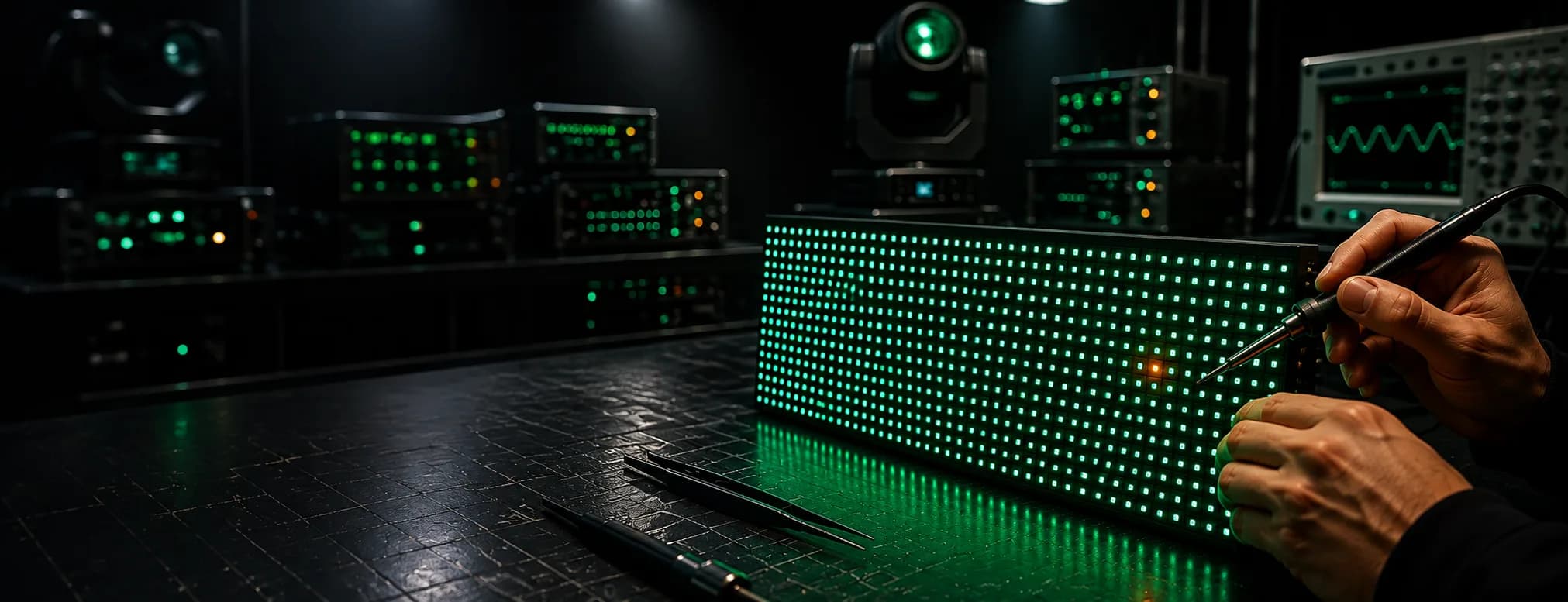
One module on my LED panel is completely black but the rest of the screen is working normally
One LED module black: power fault or data fault?
A single dark module on a working panel is nearly always a power or data fault upstream of the LEDs. Here is how to tell which, in ten minutes, before you swap anything.
- Usually
- Lost power or lost data, not failed LEDs
- Check first
- Ribbon cable and hub port, powered down
- Fastest test
- Swap module with a good neighbour, see which moves
- Fixable
- Driver ICs, connectors and ribbons, yes
Hundreds of LEDs don't fail in the same second. Hold onto that when you're staring at one LED module black in the middle of a panel that's otherwise running clean, because it rules out the expensive answer straight away. The diodes are nearly always fine. Something upstream stopped feeding them, either volts or data, and the next ten minutes are about working out which one.
What comes back to us most on this fault isn't a dead module at all. It's a ribbon cable that got pinched when the cabinet was closed, or a hub output that took a static hit during a hot swap on site.
Read the shape of the black patch first
Before you unclip anything, compare the dark area against the service boundaries inside the cabinet. Does it match one module exactly? One hub output, which usually feeds two or four modules? One power supply zone? A whole cabinet points at the receiving card or the data feed instead.
The boundary is your diagnosis, most of the time. A perfect module-shaped rectangle means the module lost its supply or its data, because nothing else fails in that shape.
Now run patterns through it: full black, red, green, blue, white, then a greyscale ramp and something moving. Note whether the area is dead on all of them or only some. A module that's dark on white but shows one colour faintly is a driver or data fault, not a power fault. If only part of the module has gone, read our guide on a dead cluster within a module instead, because that's a different repair.
Write down the conditions too. Worse at high brightness, worse once the cabinet's been warm for twenty minutes, or worse when you press on the frame. Vibration tells you a lot.
One LED module black: separating power from data
Power the cabinet down before you unplug a single ribbon. Hot-plugging data cables into a live hub board kills driver ICs and receiving cards, and we repair the results of that more often than we'd like.
The swap test does most of the work. Take the dark module off and fit a known-good module of the same product, scan mode and pitch into that position. Put the suspect module into a working neighbouring position. Power up and look.
If the black stays in the original position, the module is innocent. You're looking at the cabinet side: the ribbon cable, the hub output, the power feed to that position, or the receiving card. If the black travels with the module, the module is at fault and the cabinet is fine. Two minutes, no tools beyond a screwdriver.
When the fault stays with the position, measure before you replace. Put a meter on the module's DC input pins at the connector, with the screen running white at full brightness, not idling on black. A supply that reads correctly with no load and sags well below spec under white is a failing PSU or a corroded power tail, and swapping modules into it will teach you nothing.
If the volts are solid, the data path is next. Move the ribbon to a spare output on the same hub board. Black clears? The hub output is dead and the board needs replacing or reworking. Black stays? Suspect the ribbon itself, so fit a fresh one, checking for a bent or pushed-back pin in the header while you've got it in your hand.
Ribbons fail more than anything else in this chain. They get trapped at the cabinet seam, they get tugged at the ends during a rushed load-out, and the conductor breaks inside the insulation where you can't see it. It's almost always the ribbon. Check that first, before you order anything.
When a good module, a good ribbon and a good hub output still give you a dark position, go back to the receiving card and the input and output connections feeding it. On older cabinets with no separate hub boards, the card carries the outputs directly, so a damaged port there produces exactly the same symptom.
The causes that aren't hardware at all
We've had modules arrive for repair that tested perfect on the bench. Calibration is the usual reason. When a cabinet activates coefficients that don't match the module fitted in that slot, the module can go partly or fully black while everything around it behaves.
Find the backup coefficients for that cabinet and resend them. If you can't locate them, switch calibration off on that cabinet rather than pushing whole-screen coefficients at it, because that just spreads the error. Then check the settings actually wrote to Flash: parameters that only live in RAM vanish at the next power cycle and the fault walks straight back in.
There's a firmware trap on receiver swaps worth knowing. NovaStar receiving cards ship in several firmware versions, and the version label picks the driver IC and row decode chip group, not a newer build. A higher number meant for a different chip group will not drive your modules. Match the group, not the number.
What we actually repair on the bench
A module that genuinely failed is usually repairable. We rework dry or bridged joints on driver ICs, replace failed drivers, and change power and data connectors that have cracked away from the pads. Common families still in service include the dual-latch types and the PWM types from Macroblock and ICN, and the chips themselves are cheap: the skill is in the rework and the testing after it.
What we can't do is make an obsolete module match your wall. Where the LEDs themselves have degraded across the whole module, or the bin is discontinued, a repaired module will light up and still look wrong next to its neighbours. We'll tell you that at assessment. LED screen repair at component level is worth doing when the cabinet population is healthy and you're replacing a handful, less so when a wall is at end of life.
Hub boards, receiving cards and power supplies come through the same bench, and we test them as a set in the cabinet rather than in isolation, because a PSU that passes on a dummy load can still sag against real modules.
Keeping one LED module black off the job sheet
Spares only help if they're the right spares. Store modules dry and ESD-controlled, labelled by product, batch, scan mode and calibration status, and keep approved ribbons, hub boards, receiving cards and PSUs alongside them. Most rental houses we work with hold spares by product but not by batch, and then wonder why the replacement is a shade off under camera.
One more habit: bag and tag the faulty part with the cabinet number and what you saw. "Dark on all patterns, swap followed the module" saves us an hour and saves you money.
Getting it looked at
Loose modules and cabinets travel well, so send them in with a reference module from the same batch and we'll test against it. When the fault stays in one position across a wall, or the screen is flown and staying that way, on-site service makes more sense because we can meter the power zones and swap hub boards against your own control setup.
Either way, tell us what you've already swapped. If you've got one LED module black and a show on Thursday, talk to us and we'll work out what needs to move first.