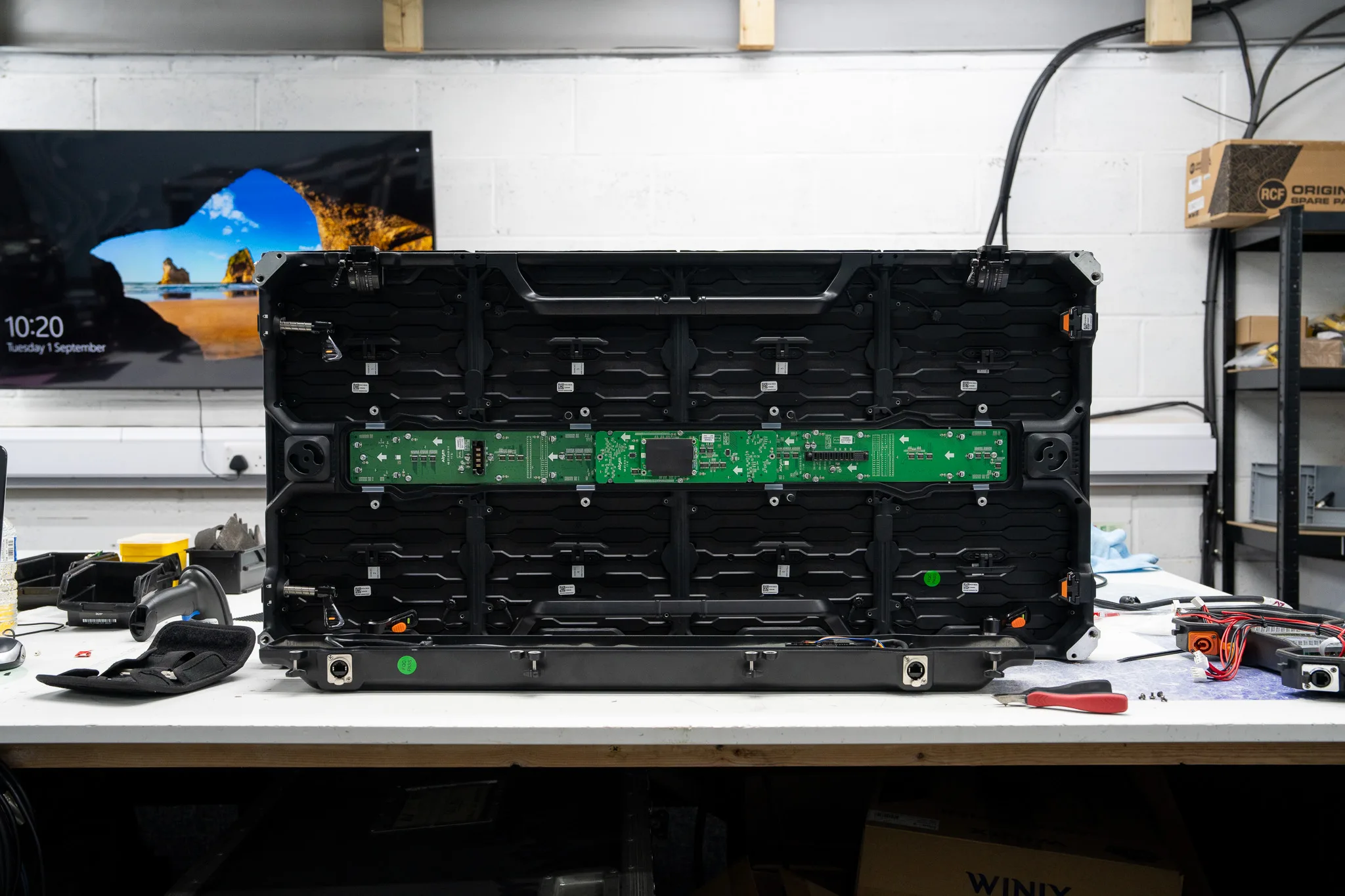
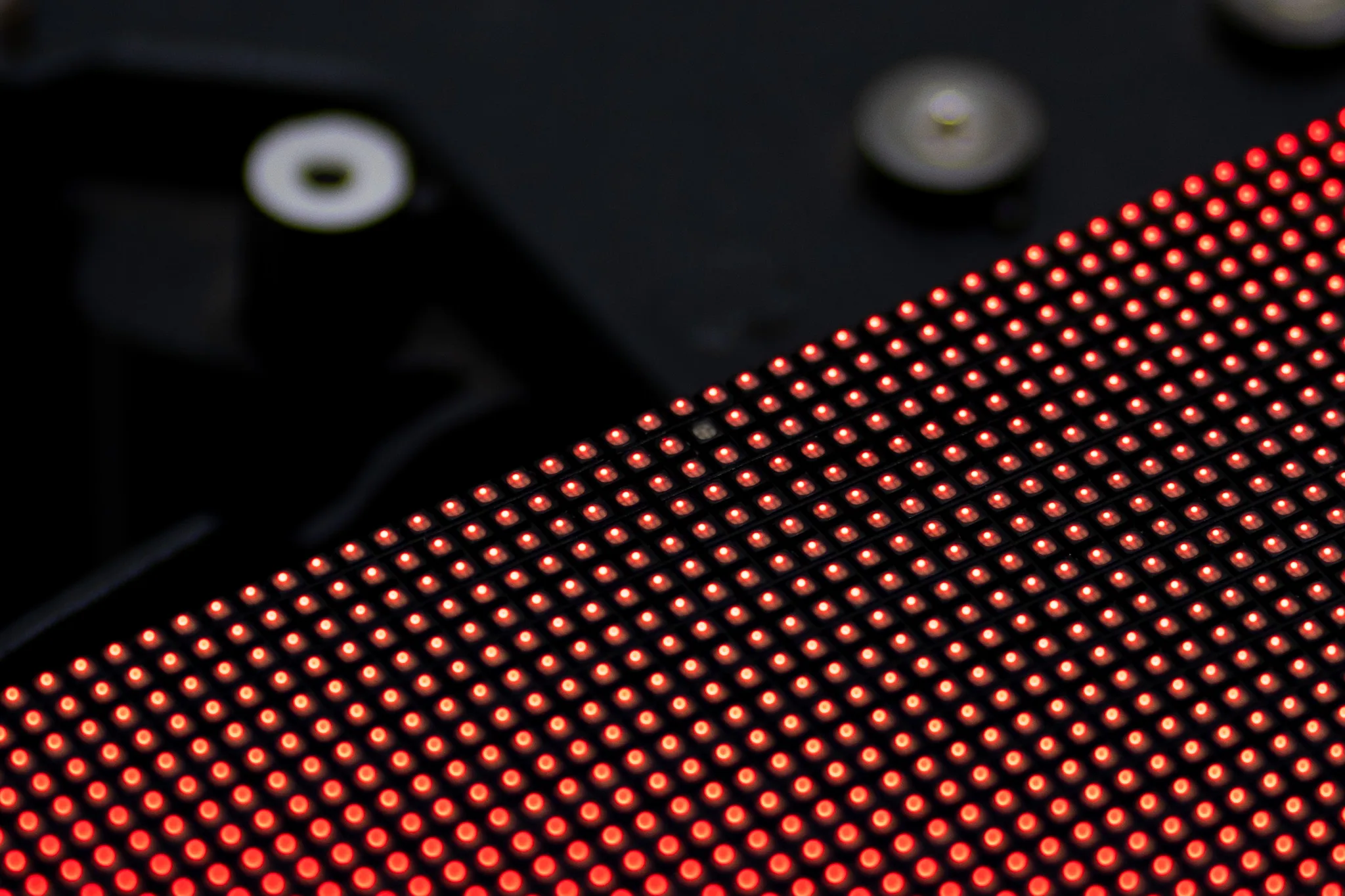
Our LED screen keeps flickering, sometimes the whole wall and sometimes only one module
LED Screen Flickering: Causes, Diagnosis and Repair Solutions
A flickering LED display can turn a clear visual into a distracting experience within seconds. The problem may affect the whole screen, a single module or just a small group of pixels. Finding the source early can help prevent the fault from spreading or returning after a temporary fix.
- Usually
- Power, signal, processing, module or internal component faults
- Read the pattern
- Where and when the flicker appears narrows the cause
- Check first
- External connections and the content source, before any testing
- On the bench
- Modules, receiver boards, power supplies and circuit boards
- Prevention
- Routine checks catch it before it becomes a repair
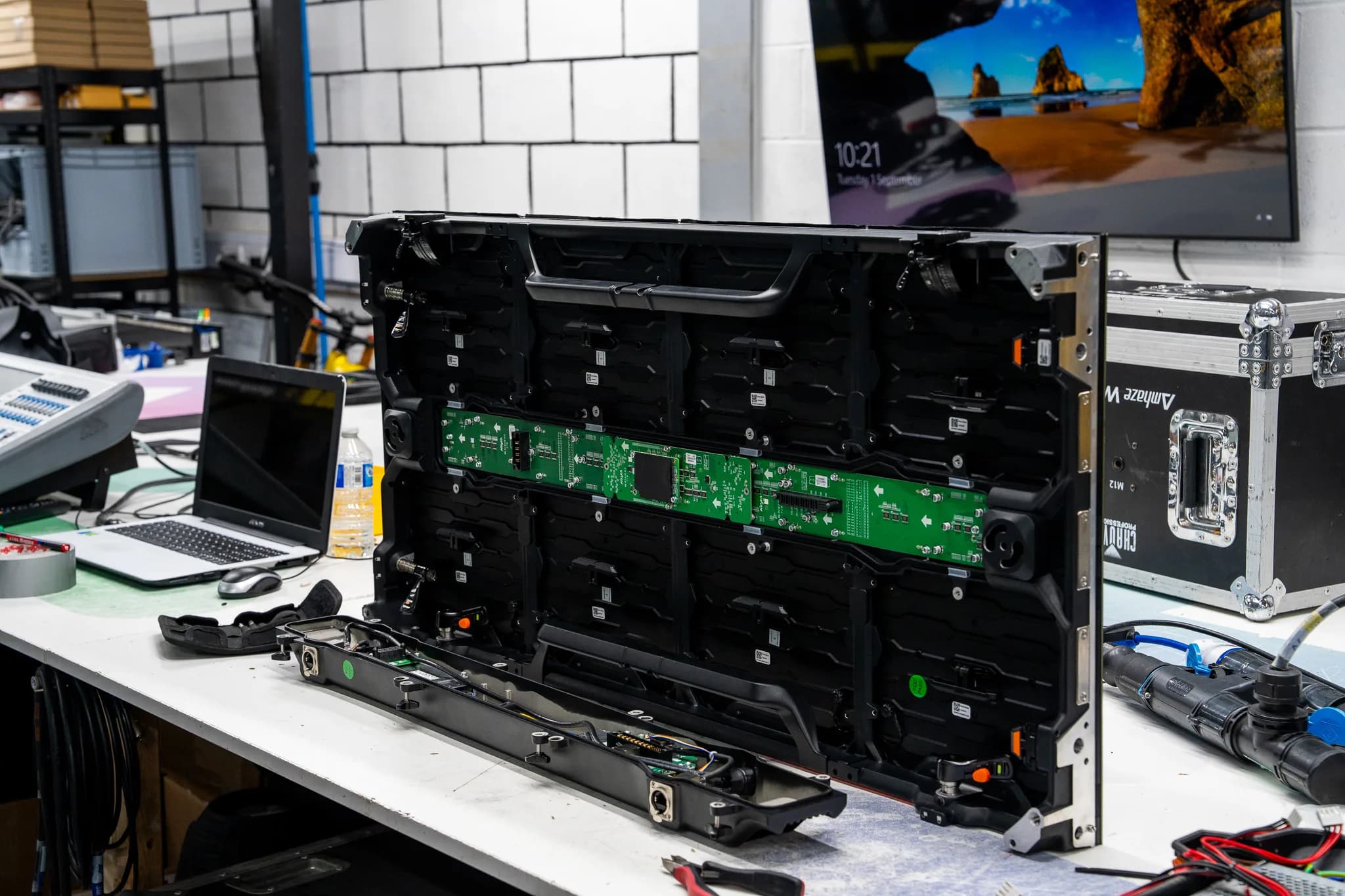
Complete Pixel Solutions works with LED screens used across the live event industry, covering indoor and outdoor panels and faults ranging from individual pixels to wider module and electronic issues. Understanding the cause of flicker is the first step towards finding the right repair.
What causes LED screen flickering?
Several different faults can create a flickering display. The visible symptom may look similar even when the cause is completely different.
Common causes include:
- Unstable power reaching the display
- Loose or damaged power or data connections
- Faulty LED modules or individual LEDs
- Driver IC or circuit board faults
- Receiving card or processor problems
- Moisture, heat or physical damage
- Incorrect display or signal settings
A fault affecting the entire screen may point towards power, processing or signal issues. Flickering limited to one module can point towards a local connection, LED or electronic component fault.
How to diagnose an LED screen that is flickering
Good LED screen troubleshooting starts by identifying exactly where and when the flicker appears. Watch the display with different content and check whether the problem stays in the same location.
Start with these checks:
- See whether the whole display or only part of it is flickering.
- Inspect external power and data connections where it is safe to do so.
- Try a different content source to see if the problem remains.
- Check whether the flicker changes with different colours or brightness levels.
- Record a short video of the fault for a technician to review.
The pattern can provide useful information. A single affected panel may need different testing from a full display that flashes or changes brightness.
How to fix a flickering problem on an LED screen
Fixing a flickering display begins with identifying its source. There is no universal solution that applies to every display.
Loose external connections can often be remade or replaced. A faulty cable can also cause an intermittent data or power connection to the module.
Power related problems need further investigation when simple connection problems fail to resolve the issue. Power supplies, distribution equipment and the rest of the electrical support system need to be checked by a technician.
An LED module that is damaged needs repair or replacement. Internal faults can involve LEDs, driver ICs, receiving cards or circuit boards. Complete Pixel Solutions carries out component level work on LED video panels and can identify faulty IC chips and other electronic faults.
Opening a panel and attempting soldering without suitable equipment can create further damage. Internal LED work is best left to technicians with the right tools and testing equipment.
Flickering screen compared with other LED display problems
Flickering is only one type of LED display fault. Understanding the difference can help narrow down the possible cause.
- Flickering. Rapid brightness or image changes. Possible source: power, signal, module or electronics.
- Dark section. Part of the display stays unlit. Possible source: module, LED or circuit fault.
- Colour shift. Colours look different in one area. Possible source: LED, processing or control issue.
- Dim section. One area appears less bright. Possible source: LED, power or module issue.
- Intermittent display. A section works and then stops. Possible source: connection, power or internal fault.
This comparison can help when describing a fault to a repair technician. Where a module has gone dark rather than flickering, our guide on one LED module black covers that fault instead.
When does an LED screen need professional repair?
A recurring flickering screen should receive further testing when basic external checks have not solved the issue. Professional assessment is especially useful for displays used at events, venues, rental facilities and production sites.
Look for signs such as:
- Several modules are flickering at once.
- The fault returns after cables or connections have been checked.
- Flickering appears alongside colour or brightness changes.
- A section of the display stops working.
- The screen has suffered impact, moisture exposure or another form of damage.
- Internal electronics may be involved.
Specialist screen repair services can test the affected equipment and trace the fault rather than relying on guesswork.
How to prevent LED screen flickering
Regular LED display maintenance can help spot early signs of trouble. Routine checks can cover connections, modules, power equipment and visible changes in brightness or colour.
Careful handling during transport, installation and storage is also important. Outdoor displays need extra attention because moisture and changing environmental conditions can affect electronic components.
Keeping a record of recurring faults can also help technicians identify patterns when equipment is sent for assessment.
Get your LED screen flickering issue diagnosed
Persistent LED screen flickering can come from something as simple as a loose connection or from a deeper fault within a module, power system or control electronics. Finding the real source is key to choosing the right repair.
If your display keeps flickering, Complete Pixel Solutions can assess LED panels, trace faults and carry out component level repairs before testing the equipment. The repair process covers diagnosis, repair, testing and a report on the work completed. Send the screen in for assessment and take the right step towards getting your display back to stable performance.