One of my moving heads won't respond to the desk at all, but the others on the same DMX line are fine.
Moving head no DMX response while the rest of the line works
Last updated:
One fixture deaf to the desk while the rest of the line works. How to tell a settings error from a dead DMX receiver, and what we can repair at component level.
- Usually
- Dead RS-485 receiver or damaged input socket
- Check first
- Start address, channel mode, master or standalone
- Data LED
- Flicker means data arrives, steady or off means none
- Fixable
- Chip level on most heads, new board on budget kit
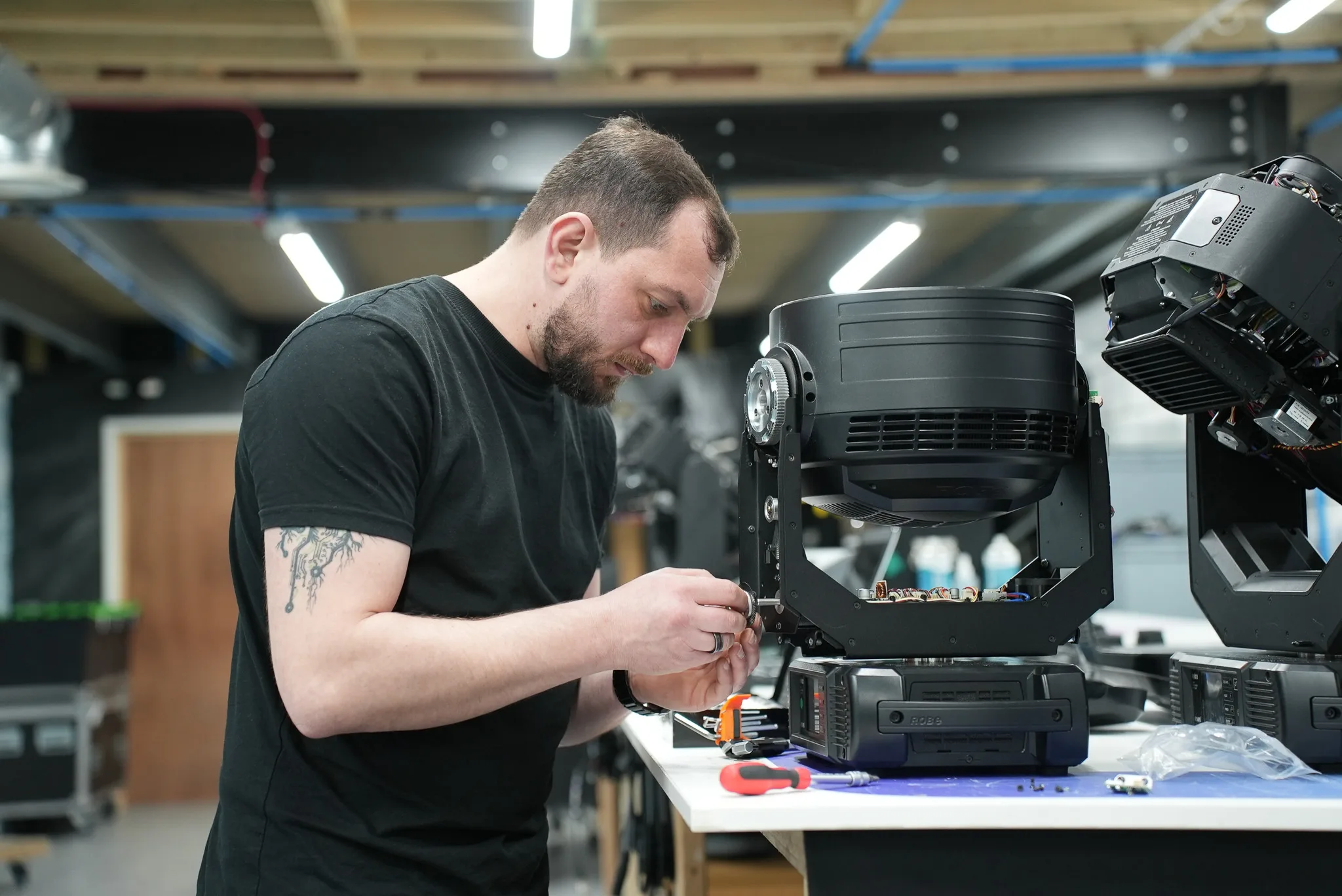
A dead DMX receiver and a wrong start address look identical from the console. Both give you one moving head no DMX response while every other fixture on the same line takes its cue without complaint. The first job isn't opening the fixture. It's working out which of those two you have, and the fixture's own menu answers that in about four minutes.
Work in order: settings, line, data LED, board. Jumping straight to the board costs you an evening.
Clear the free causes first
Read the start address off the display, not off the gaffer tape down the side. Tape lies. If the address is right, check the channel mode next, because a head set to its 16 channel personality while the desk runs an 8 channel profile will either do odd things or nothing at all, depending on where its channels land in your patch.
Then look for master mode. A fixture left as master, or sitting in auto or sound active, drives itself and ignores the desk completely. We see this after every show where somebody ran the rig off sound to light and nobody put it back.
Last, check for a duplicate address. Two heads sharing a start address move as one, so if the "dead" fixture is actually mirroring another unit, you've found your fault and it isn't a repair. If the head wakes up after any of this, stop there. Nothing is broken.
Prove the line, not the fixture
Take the suspect head and put it first in the chain, straight off the desk or node, on one known good cable, with a terminator in its thru. If it responds there, the fixture is fine and your fault lives in the run: a cable, a splitter output, or the thru circuit of whatever sat in front of it.
Missing terminators cause the classic "it worked last week" fault. A 120 ohm resistor across pins 2 and 3 at the end of the line stops reflections coming back and corrupting data, and the fixtures that suffer first are usually the ones furthest out. Mic cable in the run does the same thing for the same reason, since its impedance is nowhere near what DMX expects.
RDM is worth clearing too. Devices that don't speak RDM are supposed to ignore the packets, but cheap LED kit sometimes chokes on them, and plenty of opto-isolated splitters block RDM in one or both directions anyway. Turn RDM off at the console or node and retest. It costs you nothing.
If grounding is the suspect (long runs between buildings, a line shared with dimmer feeds), the free 2008 edition of the DMX512-A standard covers grounding practice in its annexes and you can still download it from ESTA's technical standards programme. The current edition is ANSI E1.11-2024, which supersedes it.
The input LED and the standalone test
Most heads have a DMX input indicator. Flickering means valid data is reaching the receiver. Steady or dark means nothing is getting through, and that single observation splits the job in half.
Now set the fixture to auto or sound active and watch it. If it runs a built in programme, homes properly and moves cleanly, then the microcontroller, the motor drivers and the power supply are all healthy. The fault is boxed into the DMX front end.
Inside a moving head no DMX response
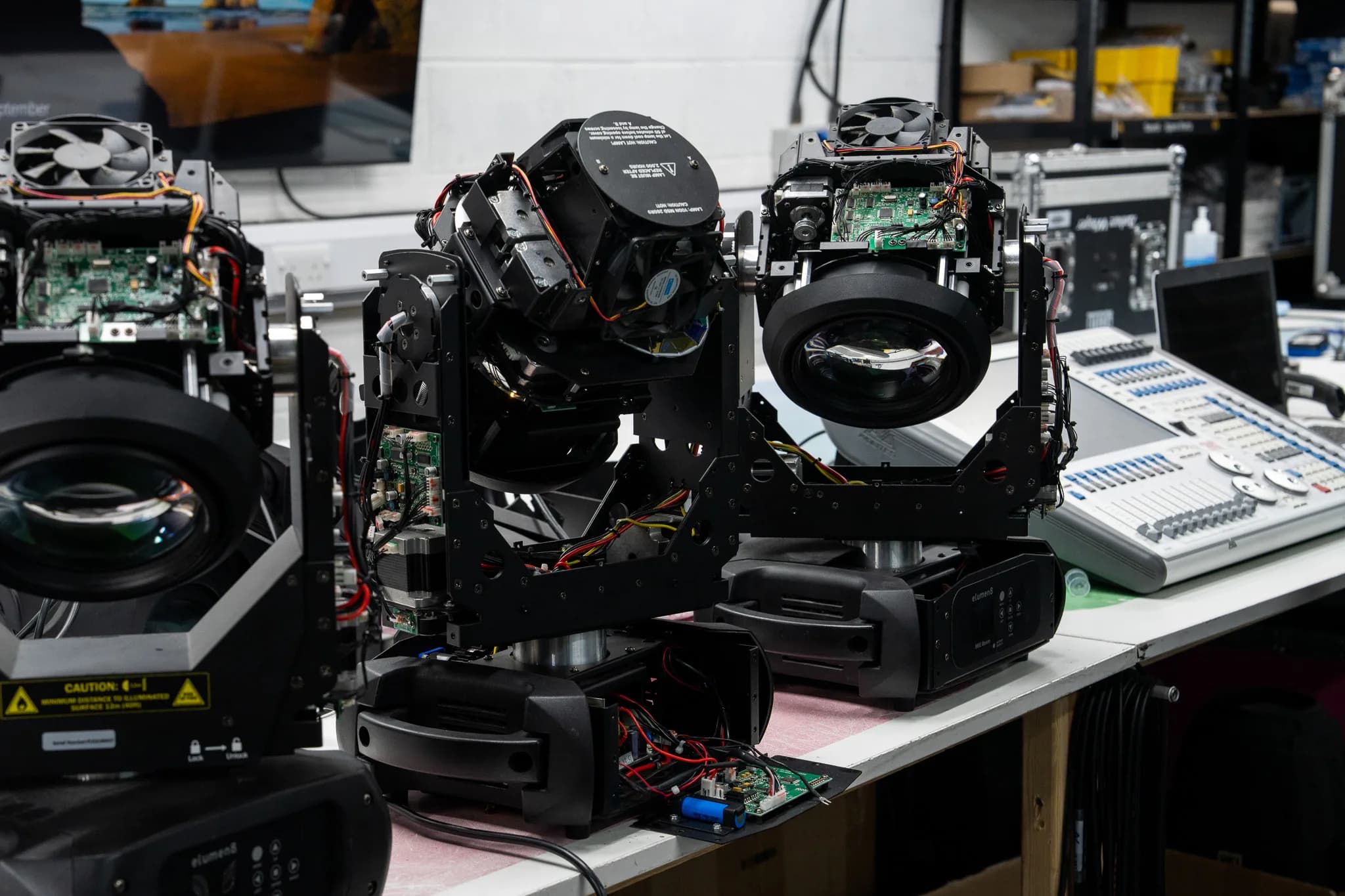
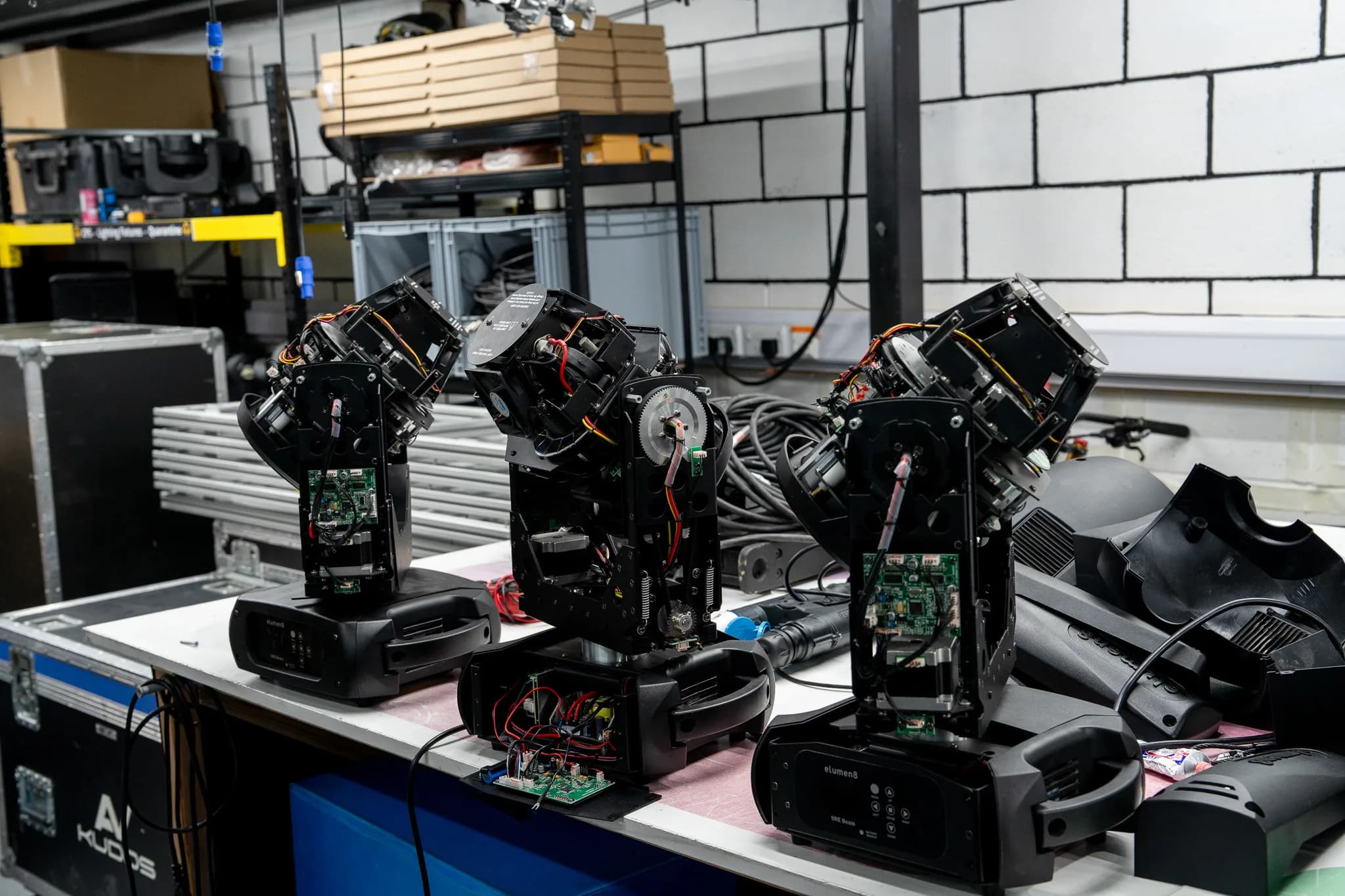
Pull the lid and the signal path is short. XLR socket, a few protection parts (series resistors, a clamp or two, sometimes an opto-isolator), an RS-485 transceiver, then one logic line into the microcontroller. That transceiver is usually a 75176 type device or a direct equivalent in an 8 pin package, socketed on older heads and soldered flat on newer ones. Its only job is turning the balanced pair on pins 2 and 3 into a single ended stream the processor can read.
It's also the part that dies first. Everything the outside world throws at the fixture comes in on that data pair: generator steps, static off a cable dragged across a deck, noise coupled from a dimmer feed sharing trunking. The transceiver sits at the very front and takes all of it, and in a lot of budget heads there's almost nothing in front of it.
On the bench we scope both sides. Pins 2 and 3 at the socket first, to confirm clean differential data is actually arriving at the fixture. Then the output pin of the transceiver. Good signal in, flat line out, and the chip is dead. Signal on the logic side with no response from the fixture points at the microcontroller or its firmware instead.
Reflash before you condemn anything. A head that browned out mid show can come back with corrupt firmware and behave exactly like a hardware failure: menu works, homing works, DMX does nothing. Manufacturers publish firmware for most current heads, and it takes minutes.
If we have a matching fixture to hand, swapping control boards settles the argument in two minutes flat. Of the heads that reach us genuinely deaf, dead transceivers and damaged input sockets account for most of them, and a snapped pin or a cracked solder joint on the XLR is far more common than people expect. Someone walks past, the cable goes tight, the socket takes the load. Check the socket with a meter before you go chasing chips.
One caveat worth knowing. If the fixture only goes deaf once it's been running an hour, you're looking at a thermal problem rather than a dead receiver, and that's covered in our guide on moving heads that reset as they heat up.
Repairable, or a whole new control board?
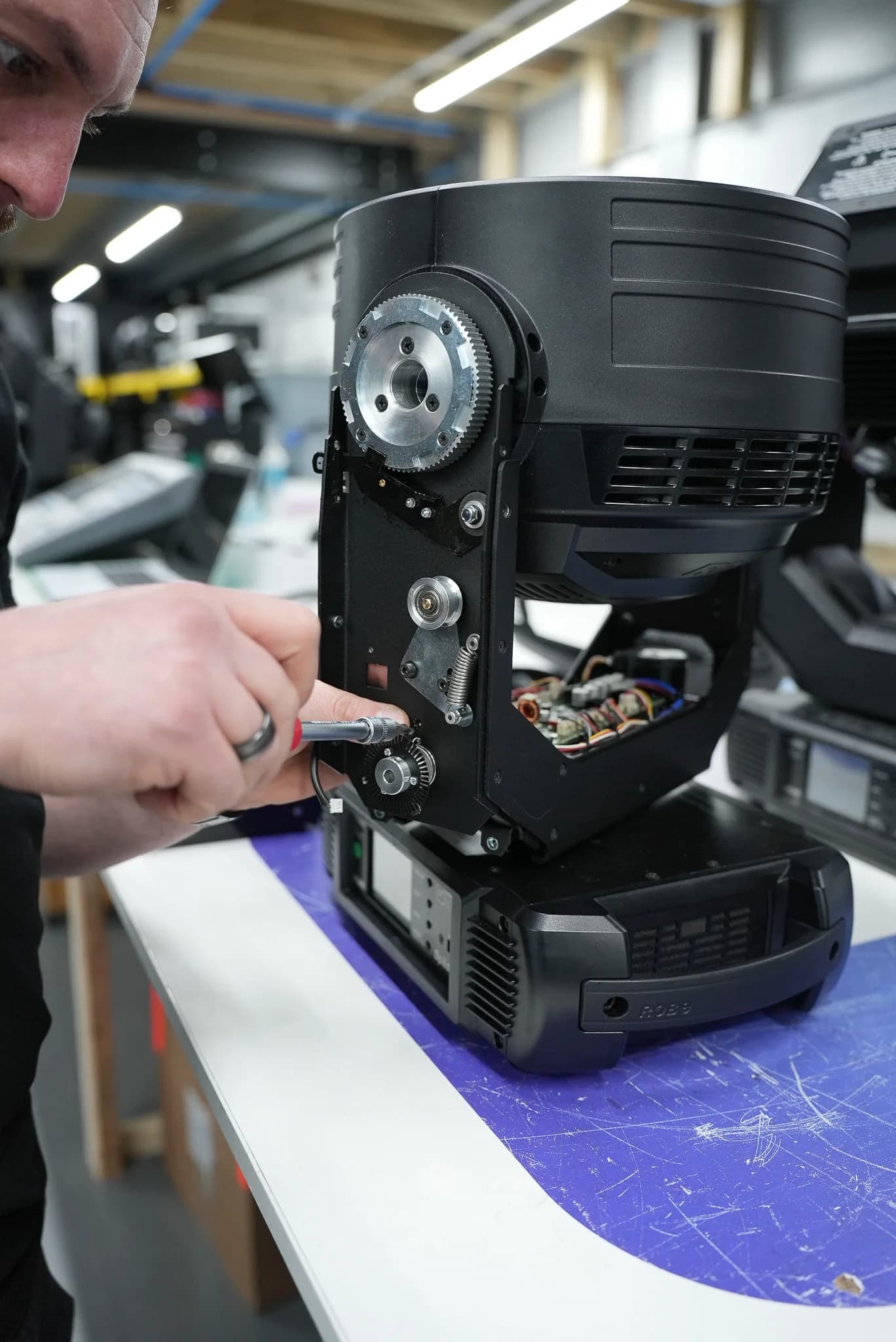
Where a discrete transceiver is fitted, this is a component level repair and a quick one. We change the chip, replace the protection parts around it, check the input socket and test the thru circuit on the way out. On fixtures with an isolated input we test the opto as well, since that fails from the same causes.
Budget heads are a different story. Plenty of them have no discrete transceiver at all: the DMX traces run from the socket straight into one large custom chip that handles everything. No chip to swap. The only fix is a complete control board from the brand's distributor, which is a fifteen minute job once the part arrives, and on a current model those boards are usually easy to get.
It gets harder with a discontinued fixture and no spares anywhere. Then we either repair at component level if the board is readable, or fit a donor board from a scrap unit of the same type. We tell you which route it is before we start, not after. Our moving light servicing work covers both, and you can see the kind of jobs that come through on our completed repairs page.
Where to send a moving head no DMX response
One fixture is a send-in job. Pack the head, tell us the symptom in your own words, and say what console and channel mode it was running when it stopped. Our send-in repair route covers single fixtures from rental stock, churches and production companies.
A whole hanging rig is different. If several fixtures have gone quiet in a ceiling or a truss you can't drop, on-site service makes more sense, because half that job is proving which cables and splitter outputs are actually passing data. That's a common call from venues where the DMX infrastructure has been added to over years by different installers.
Either way, if the menu checks above haven't fixed it and the input LED stays dark, a moving head no DMX response is a board fault and it won't clear itself. Get in touch and tell us the make, model and what you've already ruled out. It saves us repeating your work.