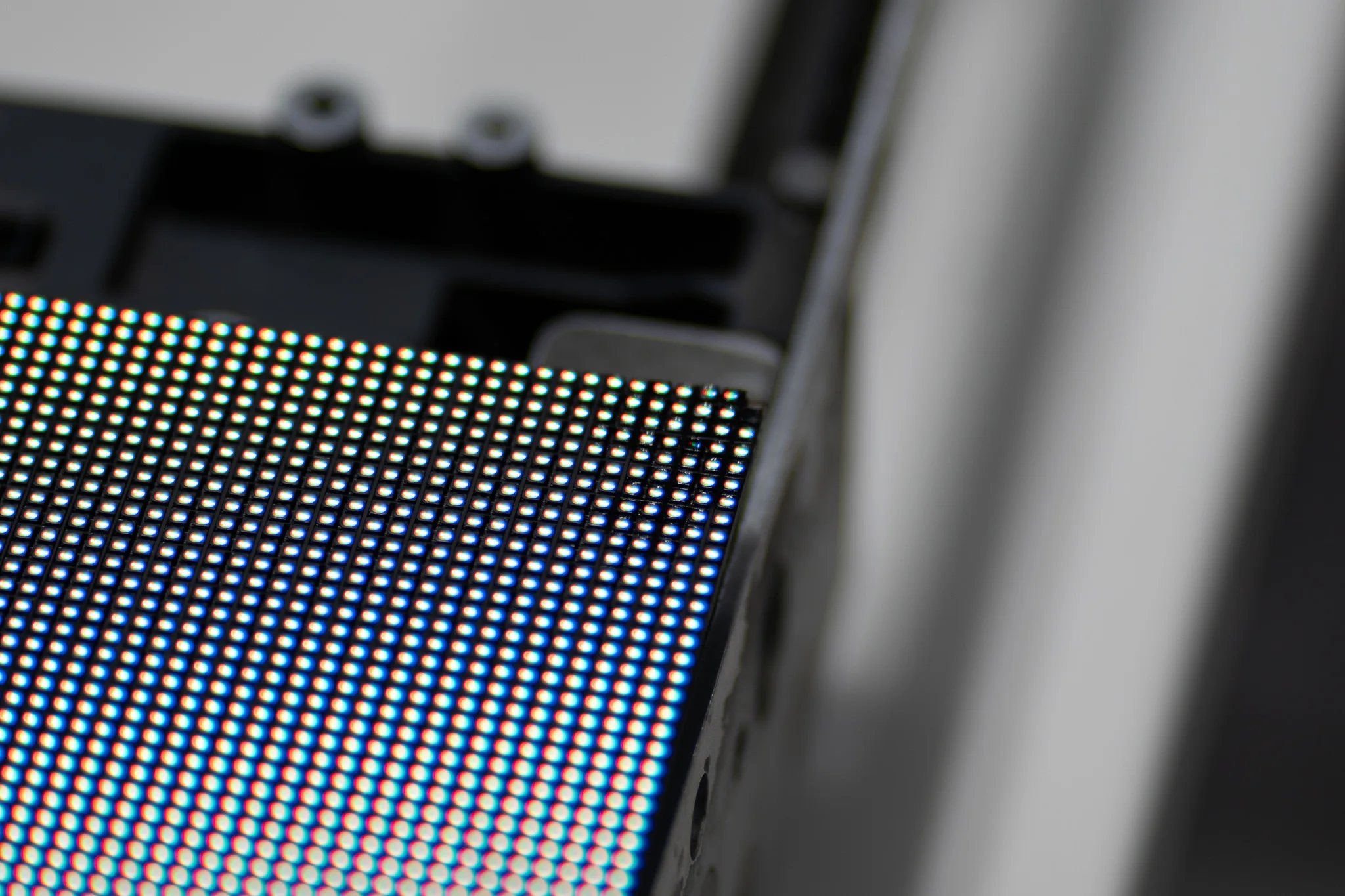
A few pixels on our LED screen have gone dark, or are stuck on one colour
Dead Pixel Repair: How to Detect and Fix Pixel Problems on LED Screens
A small dark spot on an LED screen can be easy to notice, especially when the display is showing bright colours or detailed visuals. A single faulty pixel may seem minor, but several affected pixels change the way the whole screen looks. So what is a dead pixel, and how can you tell whether the issue is really caused by a failed pixel?
- Usually
- A failed LED, solder joint, driver IC, power or signal fault
- Dead or stuck
- Dead stays dark, stuck holds one colour
- Check first
- Solid black, white, red, green and blue test patterns
- Read the spread
- One pixel is local, a row or block is module electronics
- Fixable
- LEDs, solder joints, driver ICs and boards, at component level
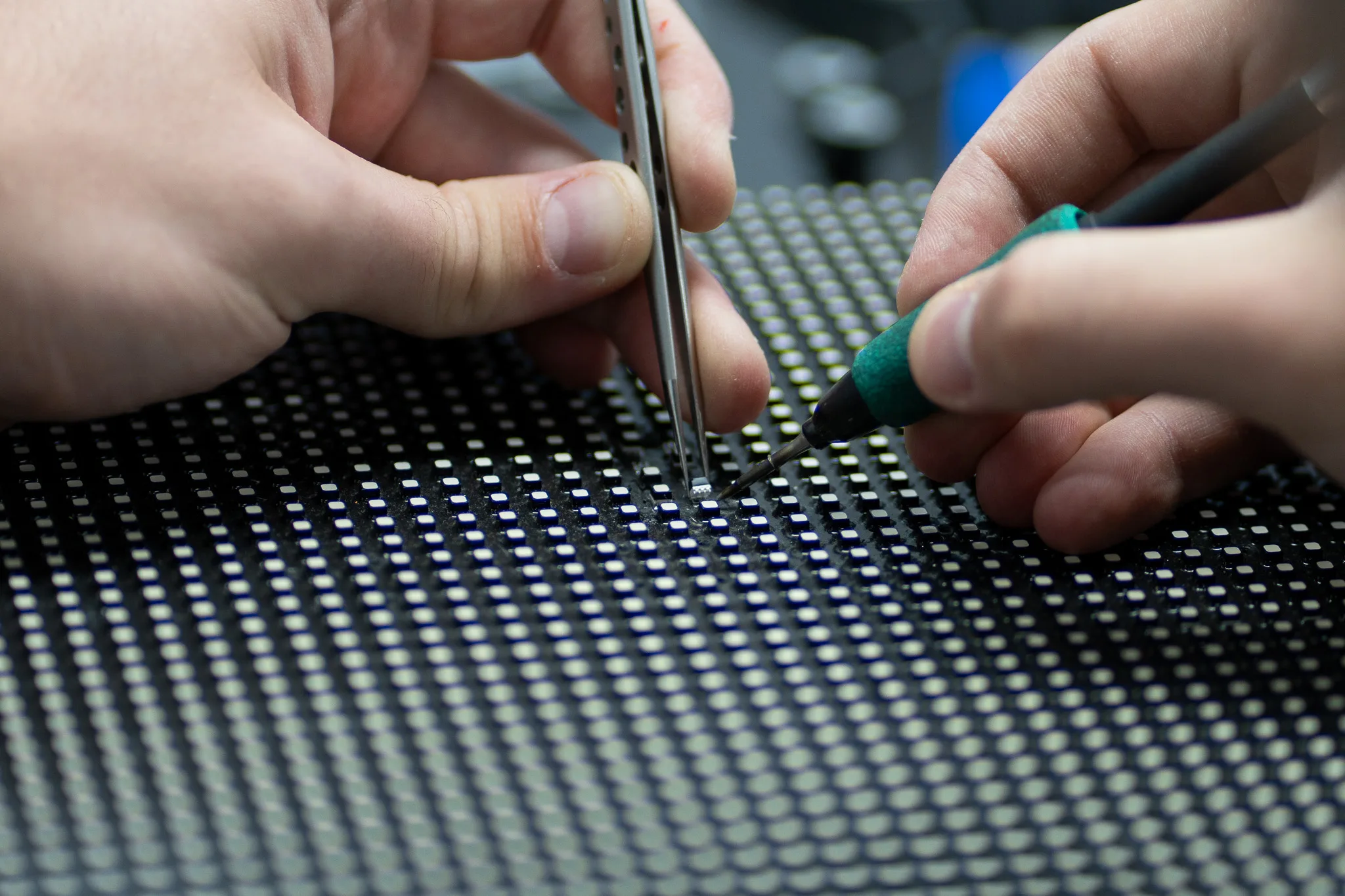
Complete Pixel Solutions works with LED screens used across the live event industry, including indoor and outdoor displays, and provides repair services down to individual pixels. Understanding the cause of a fault before trying to fix it can help prevent further damage and unnecessary part replacement.
What is a dead pixel on an LED screen?
An LED screen is made up of many miniature emitting lights that together create images and colour. Each pixel builds its colour from red, green and blue LEDs.
A dead pixel is one that has stopped giving out the light asked of it. It may appear as a small black or dark spot against an otherwise working display. In some cases a fault affects only one colour channel, which makes the pixel appear in an unusual colour instead.
A stuck pixel is slightly different. It may remain fixed on one colour instead of changing with the rest of the image. A dim or flickering pixel can also point to a different fault.
What causes pixel problems on LED screens?
Finding the source of the fault is an important part of LED screen troubleshooting. The visible pixel is not always the part that has failed.
Common causes include:
- A damaged LED component
- A weak or broken solder joint
- A fault on the circuit board of the LED module
- A damaged driver IC
- Power supply problems
- Loose or damaged signal connections
- Moisture, impact or other physical damage
A single faulty point may have a local cause, while a row, group or complete section of pixels can suggest a wider electronic issue.
How to detect a dead pixel on an LED screen
Good dead pixel detection starts with a close visual inspection. Look at the screen while displaying different colours and check whether the same spot remains dark, unusually bright or fixed to one colour.
Full colour test patterns make small faults easier to see. Black, white, red, green and blue screens help reveal whether one part of a pixel is failing.
Pay attention to the pattern of the fault as well. Check whether it affects:
- One pixel
- Several nearby pixels
- A complete row or column
- Part of an LED module
- A larger section of the display
External cables, power connections and related equipment should also be checked where it is safe to do so. Taking a clear photo or short video of the fault can help a technician understand what is happening before the equipment is inspected. Where a whole block has gone rather than a few pixels, our guide on an LED module dead cluster covers that fault instead.
How to fix a dead pixel on an LED screen
There is no single answer to how to fix dead pixel problems, because the repair depends on the cause.
A failed LED may need to be replaced. A damaged solder joint may require careful reworking, while a faulty driver IC or circuit board may need component level testing and repair.
Some LED panels also develop problems because of power or signal faults. In these cases, replacing the visible pixel without checking the surrounding electronics may fail to solve the problem.
Opening an LED module and attempting component level work without the right tools can create additional damage. Professional repair technicians use suitable soldering, desoldering and testing equipment when working on small LED components and circuit boards. Our technicians work with low and high power SMD LEDs and repair LED video modules at component level.
When should you seek professional LED screen repair?
Professional help is worth considering when the fault keeps returning or affects more than a single pixel. That matters most when the screen is working in an event venue, a production facility or a rental fleet. LED screen repair can establish whether the problem is limited to individual pixels or linked to a wider issue within the module, power system or control electronics.
Look out for signs like:
- 1.Several dead or coloured pixels
- 2.An entire section that has gone off
- 3.Flickering or unstable pixels
- 4.Repeated problems after a repair
- 5.Differences in the colour of a module
- 6.Damage to the power supply or circuit boards
Proper inspection can help identify where the problem lies, whether it is within the LED, the module, the control system or another part of the screen. Where pixels flicker rather than fail, our guide on LED screen flickering covers that symptom.
Keeping pixel problems under control
Regular LED display maintenance can help spot small faults before they spread or become harder to diagnose. Keep a record of recurring problems, inspect panels during routine checks and pay attention to changes in brightness, colour and screen behaviour.
Care during transport and installation is also important. Physical knocks, moisture and poor handling can affect LED modules and their connections.
Get your LED screen back to peak performance
Knowing what a dead pixel is only the starting point. Finding the real source of the fault can help prevent unnecessary part replacement and get your display working properly again.
If your LED screen has persistent pixel faults, flickering areas or damaged modules, Complete Pixel Solutions can diagnose the issue and carry out component level repairs with specialist equipment and testing. Send the panels in for assessment and take the next step towards a clearer, reliable display.