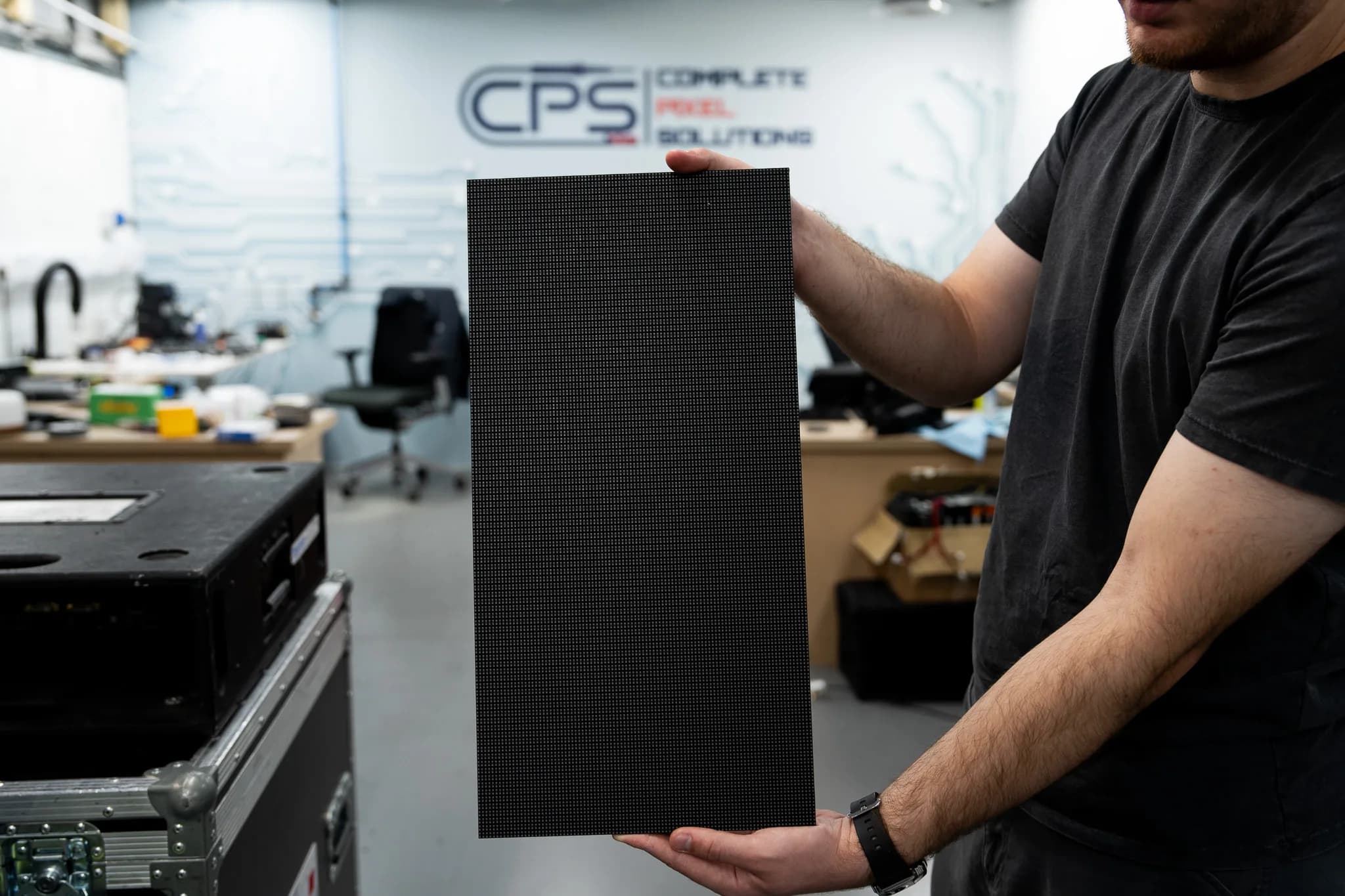
We built one wall from two batches of panels and you can see the join: one block looks pinker and brighter than the rest.
Mixed batches, mixed pitches: reading an LED wall panel mismatch
Last updated:
Two deliveries in one surface show up as a step at low grey. Here's the test that tells a build problem from a failure, and what the bench can realistically match.
- Usually
- Different LED bins or lost calibration data, not a failure
- Check first
- Low grey flat field, then each primary on its own
- Fixable
- Batch colour often yes, mixed pixel pitch never
- Send in or on site
- Bench for calibration, survey for a wall already rigged
Twenty percent grey is where the argument ends. Full white hides a bad join. Busy video hides it too, which is why nobody spots the problem until rehearsals. Hold a flat low grey field across a wall built from two deliveries, though, and the boundary comes up like a tide mark, one block reading pinker and brighter with the step landing exactly on a cabinet edge.
That's an LED wall panel mismatch. Nine times out of ten nothing on that wall is broken.
It's the most common thing we get called about that isn't a repair at all, and by the time the phone rings somebody has usually swapped a few modules around and made the pattern worse. So prove what you're looking at before anyone unbolts anything else.
The five minute test
Put up a flat grey at low level, then step it through mid grey to white. Batch differences scream at the bottom of the scale and more or less disappear at the top. A real failure doesn't care what level you're sitting at.
Run the primaries one at a time after that. Green is the colour your eye punishes hardest, so a step that's obvious on green and barely registers on red is binning rather than a fault.
Now look at the shape of the boundary. Does it follow whole cabinets, exactly, with no soft edge anywhere? Build problem. Soft patches that ignore the module grid are something failing.
Leave the wall running for half an hour and check again. A mismatch is stable from the second you power up. Drift that arrives with heat is a different animal, and colour shift after outdoor use behaves the same way.
Read the labels last. Serial ranges and firmware versions. Two clear populations in that list and you've answered the question without touching a meter.
One more move worth making while you're up the scaff. Swap a suspect panel into a known good position in the other block. Difference travels with the panel, it's the panel. Stays in the position instead, and you're looking at the data run or the card behind it.
What the bench can actually match
Good news first, because there's more of it than people expect.
Lost calibration data is usually recoverable. Most panels worth owning get measured under a camera at the factory, and the coefficients that pull every pixel down to a common target are written onto the receiving card. If the original coefficient file for that batch still exists somewhere, it goes back on the right cards and the block falls into line in minutes. NovaStar and Brompton Technology store and handle this differently, so the first thing we ask is what's driving the wall. On our bench we get maybe half of those files back for clients who were certain they'd lost them, usually off a commissioning drive nobody had opened since install.
Where no file survives, we recalibrate under a camera to a shared target. Every panel in the set gets measured, then the bright ones get trimmed down until the whole group sits on one point. It's the only honest way to bring two batches onto one surface. The cost is brightness: calibration pulls down and never up, so your matched wall ends up at the level of the weakest batch plus a margin. Indoors you won't notice. On a daylight outdoor wall that's a real decision (we'd rather talk it through than surprise you with a dim screen).
Standardising what sits behind the LEDs comes next. Common receiving card model where the stock allows it. Matched scan and refresh across the whole surface, so a camera shutter can't catch one block mid refresh while its neighbour reads clean. That single step kills more broadcast complaints than anything else we do.
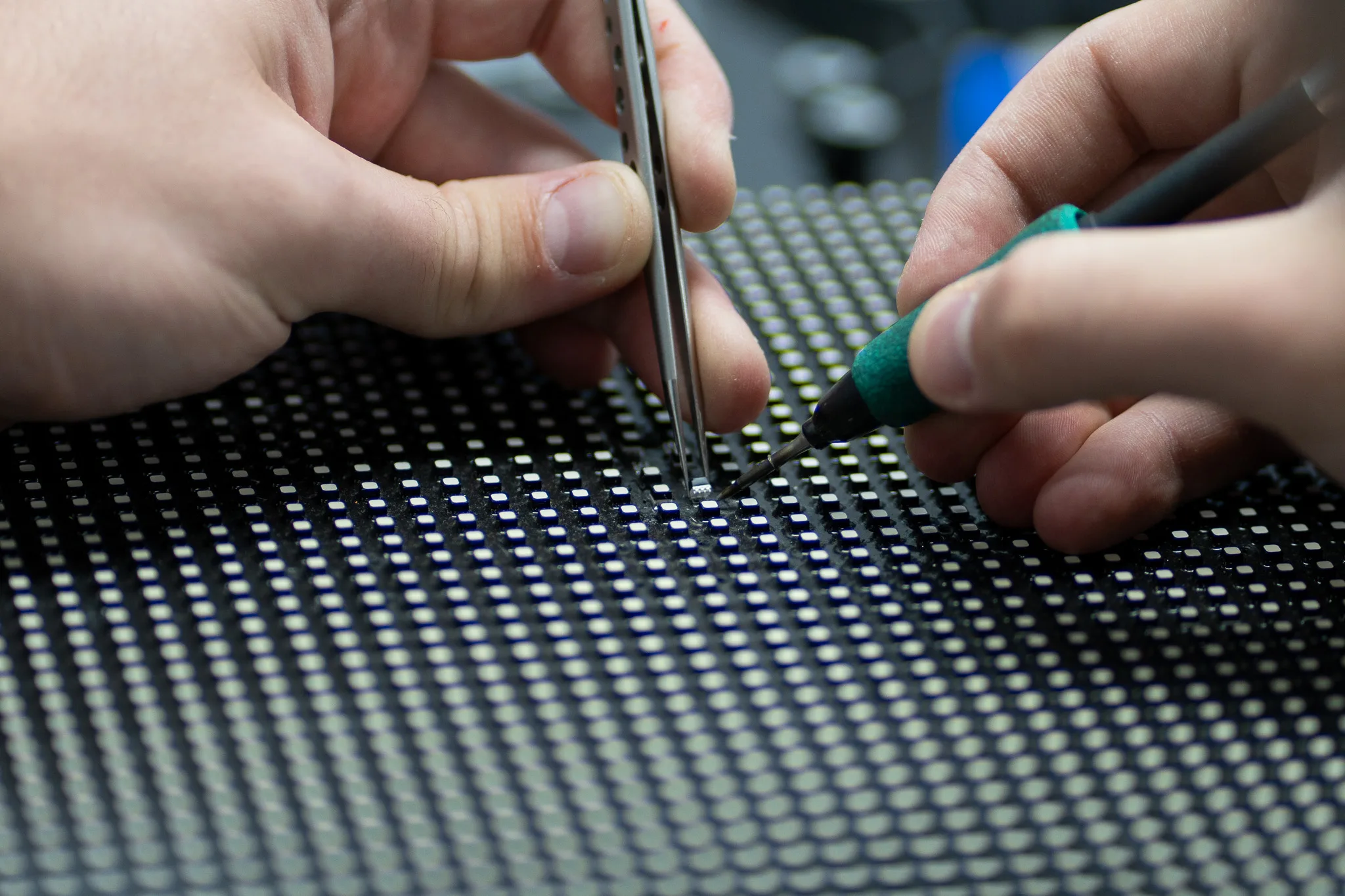
Then there's module level work, and this is the bit most people have backwards. Say your odd batch is three cabinets out of forty. Harvesting modules so each cabinet is internally consistent is often better value than recalibrating the lot, because mixed modules inside one cabinet look far worse than mixed cabinets across a wall. Your eye reads a small step as a fault. A large step it reads as lighting. Keep the inconsistency big, clean and aligned to the cabinet grid and the wall stops looking broken, even while the two batches are still visibly two batches.
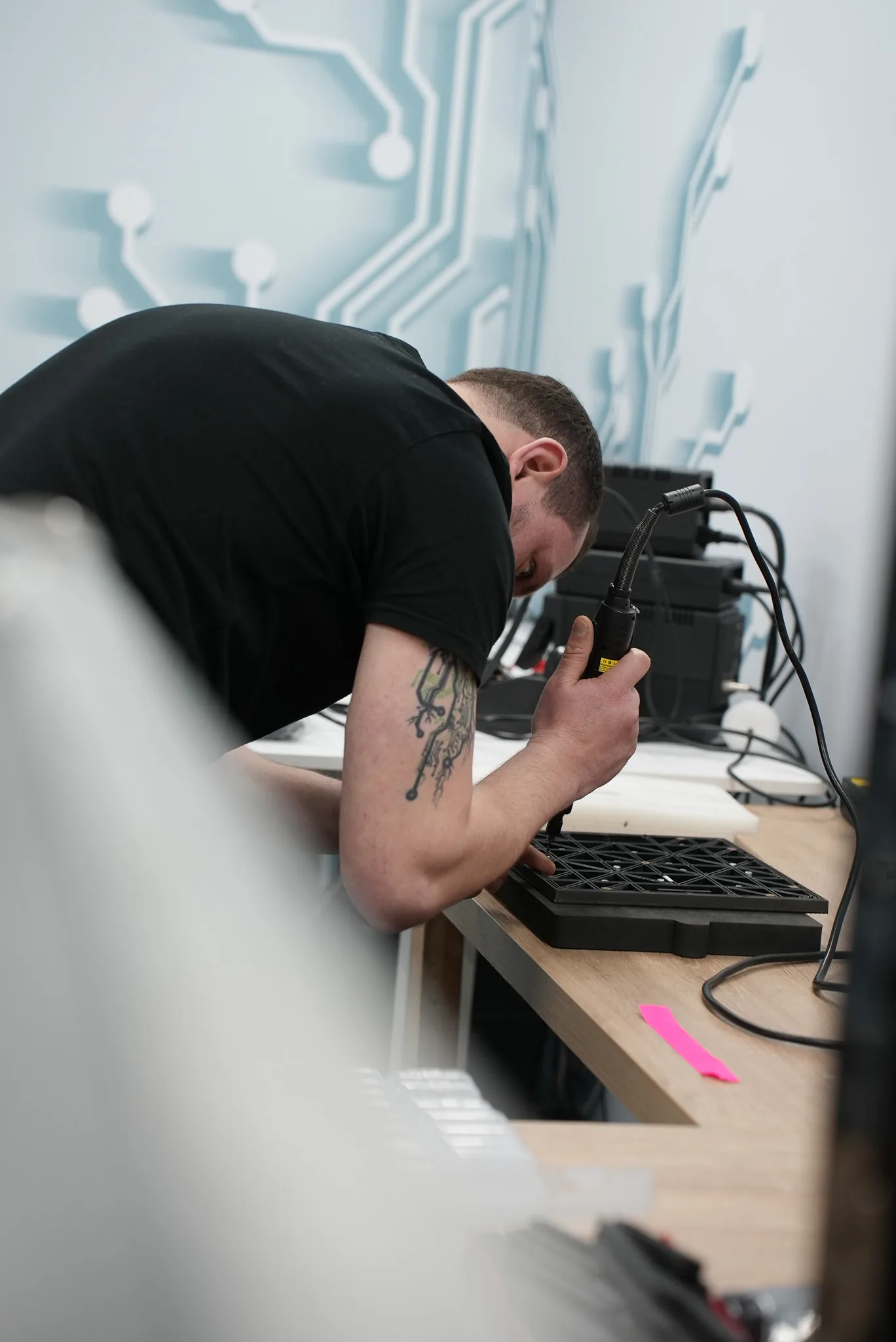
Send panels through our LED screen repair bench and we'll measure them under controlled light, then group them into matched sets labelled so the crew can't undo the work at load in. Plenty of rental houses book that into the quiet weeks, and you can get a feel for it on our completed jobs page. Panels already off the wall? Send them in. Eyeballing bins in a loading bay doesn't work.
Now the limits, which are hard ones. No repair raises a faded panel to meet a new one. Nothing on earth changes pixel pitch. LEDs from a different supplier can be brought close at white and they'll still part company on deep blue or at a steep angle. Heavily aged cabinets tell the same story: match them at one brightness and they won't track together as you dim.
Why two healthy panels disagree
Dies come off the production line sorted by brightness and by dominant wavelength. That sorting is binning, and a manufacturer uses one spread of bins for this run with a slightly different spread for the next. Both sit inside spec. A metre apart, nobody could tell them apart. Edge to edge at low grey, your eye finds the step instantly.
Calibration sits on top of the raw LEDs, and the coefficients live on the card rather than in the cabinet. Move a receiving card and the correction moves with it. You've now got two wrong cabinets instead of one.
Age does the rest. Output drops with running hours, the primaries drop at different rates, so a tired cabinet reads warmer beside a fresh one even though both were identical on day one. We see this worst on walls that have spent half their life outdoors. Firmware plays a part as well, since a newer driver IC generation can hold a different gamma curve at the bottom of the scale. Hence two batches that agree perfectly at full white and argue in the shadows.
Pitch is geometry
Mixing pitches is the harder problem and it has no software answer. Pixel pitch is the physical spacing of the LEDs, so a finer panel carries more pixels in the same area. Drive both from one surface and the image crushes or stretches as it crosses the join, with the pixel density visibly stepping.
There's a mechanical side too. Module sizes and latching often differ between pitches in the same family, so spares won't cross over and the hanging hardware doesn't always line up. Louvre and mask design changes with pitch as well, which is why two pitches can look close head on and separate badly at forty degrees off axis.
A processor will run both quite happily. As separate surfaces, or separate outputs. Not as one picture.
If the show is tomorrow
Stop blending. Start zoning instead. Group each batch into one solid block and push the odd batch out to an edge or a side wing. Land the step where your content already changes. A chequerboard of two batches is the worst layout available to you, while one clean division reads as a design choice.
Tell the content team as well. Slow grey ramps and flat pastels crossing the join will find a mismatch every single time; darker, busier material won't.
For anything already rigged, an on site survey is the sensible route. We measure in place and leave you with a layout that works using the stock you own. Otherwise talk to us before the next purchase order goes out, because matching at the point of buying beats matching afterwards by a long way.